1
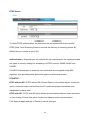
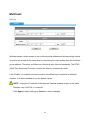
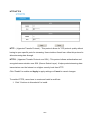
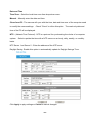
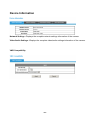
Frame Rate - Select the frame rate from drop-down menu. When selecting from
Video Codec option, the frame rate ranges from 1 to 30 fps.
Set a higher frame
rate for smoother video quality.
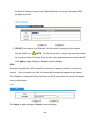
Video quality and bit rate - Choose either “quality” or “bitrate” to control the video
quality with video codec at H.264 . Only “quality” can be chosen when video codec
at MJPEG is selected. Set the bitrate higher for a better video quality.
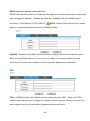
NOTE - a higher bitrates will use higher network bandwidth. The video quality
can be set between Level 1 to Level 6, with Level 6 producing the best image
quality.
Click Apply to apply settings or Cancel to cancel changes.
12