1
i.
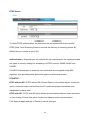
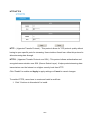
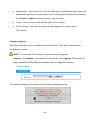
An event schedule can be programmed to recur at different times
according to the user’s needs. Select the days for the event schedule to
occur. Select a start time and specify the duration.
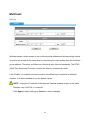
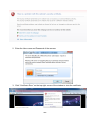
3. Define what will trigger an event to occur by selecting an option from the Event
drop-down list.
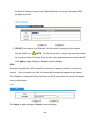
4. Select the Actions that will occur when the event is triggered.
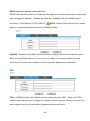
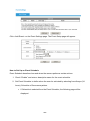
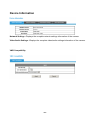
a. When <Send to Email> is selected, the following page will be shown:
ii.
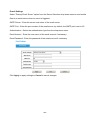
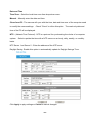
Sender - Enter the email address of the sender.
iii.
To, CC - Enter the email address of the recipient. To enter multiple
recipients, separate each using a comma.
iv.
Sender’s Name – Enter the sender’s name that will appear in the
recipient’s inbox.
v.
Subject - Enter the title of the email.
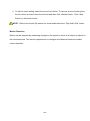
5. When complete, click Apply to save new event or Cancel to delete the event. The new
event will appear on the event list.
- 26 -