1
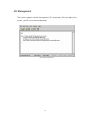
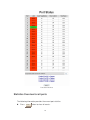
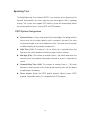
And then, click
Refresh
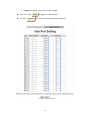
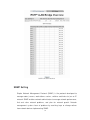
to get the new setting information as below:
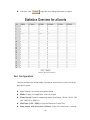
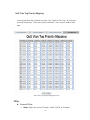
Statistics Overview interface
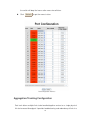
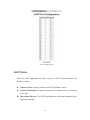
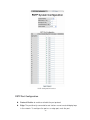
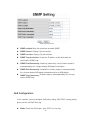
Port Configuration
You can configure the linking mode, flow control and maximum frame size of the
ports by this page.
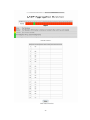
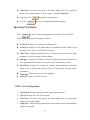
Link: Displays the current connection speed.
Mode: Displays the negotiation status of the port.
Flows Control: Select the operating mode: Auto Speed, 10 Half, 10 Full, 100
Half, 100 Full or 1000 Full.
MaxFrame (1518 ~ 9600): Assign the Maximum Frame Size.
Drop frames after excessive collisions: When this check box is marked,
24