1
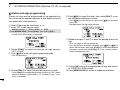
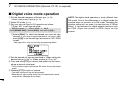
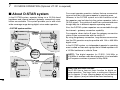
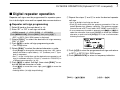
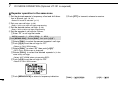
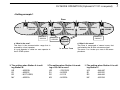
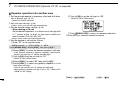
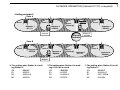
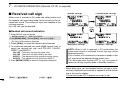
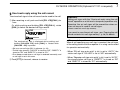
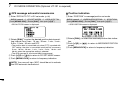
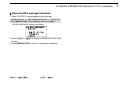
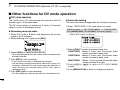
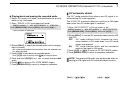
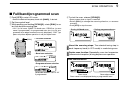
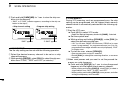
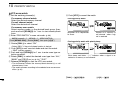
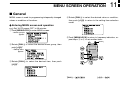
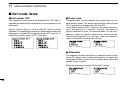
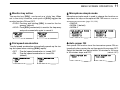
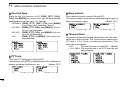
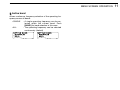
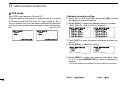
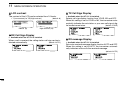
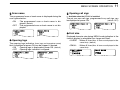
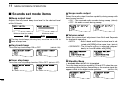
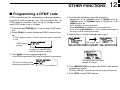
DV MODE OPERATION (Optional UT-121 is required) 7 D DV automatic detect ◆ Playing-back and erasing the recorded audio qSelect DV mode in B band, and deactivate the priority watch (p. 83) if activated. w Enter “TRACK” in DV voice memo set mode. MENU screen ➪ DV VOICE MEMO ➪ TRACK (Push [MENU/LOCK]) (Rotate [DIAL]†, then push [ï](5)†.) • TRACK screen is displayed The “DV” mode indicator blinks when a non-DV signal is received during DV mode operation. The IC-E91 DV automatic detection monitors in FM mode when other than DV mode signal is received. q Enter “AUTO DETECT” in DV set mode. (p. 95) MENU screen ➪ DV SET MODE ➪ AUTO DETECT (Push [MENU/LOCK]) (Rotate [DIAL]†, then push [ï](5)†.) TRACK rTRACK:1 :SEL * : :BACK CLR:CLR eRotate [DIAL]† to select the desired audio track to be playback or erased. • “✱” is displayed beside the track number when the selected track has been recorded. rPush [ï](5) to play-back the recorded audio. wRotate [DIAL]† to turn the DV automatic detect function ON and OFF. OFF : “DV” mode indicator blinks, however the transceiver receives in DV mode even if non-DV mode signals are received. ON : “DV” mode indicator blinks and the transceiver monitors the signal in FM mode. Ω](4)) to return to DV SET MODE screen ePush [ï](5) (or [Ω r Push [MENU/LOCK] to return to frequency indication. ≈](6) to stop play-back. • Push [ï](5) again to pause, push [≈ tPush and hold [CLR](1) for 1 sec. to erase the recorded audio. Ω](4) to return to DV VOICE MEMO screen. y Push [Ω u Push [MENU/LOCK] to return to frequency indication. NOTE: The received FM audio may be distorted when receiving an FM signal with DV automatic detect function. †[DIAL] ∫](2)/[√ √](8) ↔ [∫ ≈](6) [ï](5) ↔ [≈ 1 2 3 4 5 6 7 8 9 10 11 12 13 14 15 16 17 18 19 63