1
Create a Logix Designer Project
Chapter 5
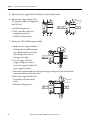
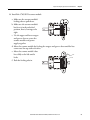
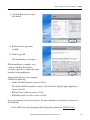
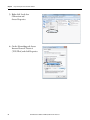
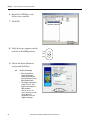
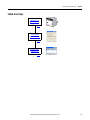
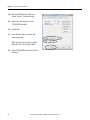
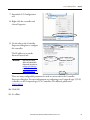
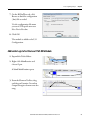
7. Expand the I/O Configuration
tree.
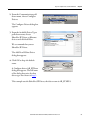
8. Right-click the controller and
choose Properties.
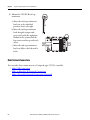
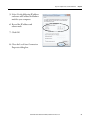
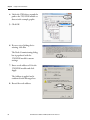
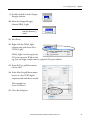
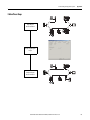
9. Use the tabs on the Controller
Properties dialog box to configure
the controller.
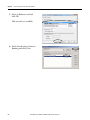
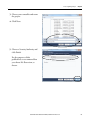
The IP address is set on the
Internet Protocol tab.
IMPORTANT
Make sure you set an IP
address and subnet Mask
that matches the values set
in Assign an IP Address to
the Controller Over a USB
Connection on page 51.
There are many configurable parameters located on various tabs in the Controller
Properties dialog box. For more information on configuring your CompactLogix 5370 L3
controller, see the CompactLogix 5370 Controllers User Manual, publication
1769-UM021.
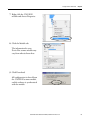
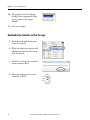
10. Click OK.
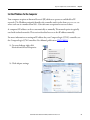
11. Go offline.
Rockwell Automation Publication IASIMP-QS023B-EN-P - December 2012
69