1
VIZIO VX52L FHDTV10A User Manual
4.2 DTV / TV Input Picture Adjustment
4.2.1 Picture Mode
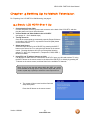
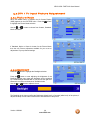
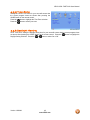
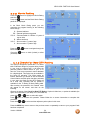
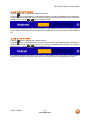
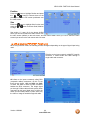
When the MENU button is pressed, the On Screen Display
(OSD) appears on the PICTURE menu. Press the
button
to highlight the Picture Mode selection.
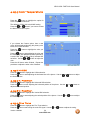
Use the
or
Movie and Game.
button to choose from Custom, Standard,
If Standard, Movie or Game is chosen for the Picture Mode,
then the only Picture adjustment available for you to set or
adjust them to your preferred settings.
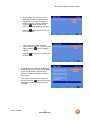
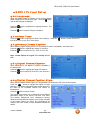
4.2.2 Backlight
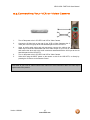
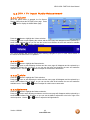
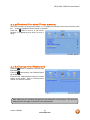
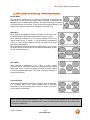
Press the
button to highlight the Backlight selection.
Press the
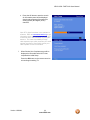
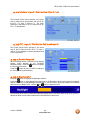
button to start adjusting the brightness of the
Backlight and the menu page will disappear and be replaced
by a small Backlight Indicator Bar so you can see the light level
between the minimum and maximum available levels.
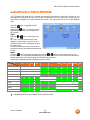
Use the
or
button to adjust the level.
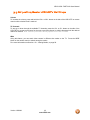
The Backlight level does not affect the Brightness (black level) or Contrast (white level) of the picture, it
adjusts the lamp current and this affects the overall brilliance of the picture.
Version 1/8/2008
38
www.VIZIO.com