1
Start
Start
Charge up
Battery life
Sign in
Old phone to new phone
Google Play™
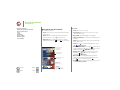
Battery life
Tips & tricks
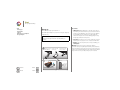
Your phone is like a small computer, giving you tons of
information and apps, at lightning fast speed. Depending on
what you use, that can take a lot of power.
To save even more battery life between charges, you could
reduce:
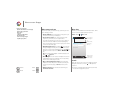
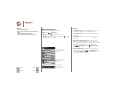
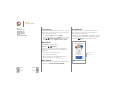
To see what's using up battery power, touch Apps
>
Settings > Battery. To set automatic rules to save power,
touch Apps
>
Assist. See “Motorola Assist”.
• Recording or watching videos, listening to music, or taking
pictures.
• Widgets that stream information to your home screen, like
news or weather.
• Unused online accounts that you registered: Touch
Apps
>
Settings. Under ACCOUNTS, touch the one
you want to remove, then touch Menu > Remove
account.
• Wi-Fi and Bluetooth® use: Touch Apps
>
Settings,
then touch the switch next to Wi-Fi or Bluetooth to turn them
OFF when you don’t need them.
• GPS use: Touch Apps
>
and uncheck GPS satellites.
Settings > Location access,
• Display brightness: Touch Apps
>
Settings > Display
> Brightness > (slide dimmer setting left).
• Display timeout delay: Touch Apps
Display > Sleep > (shorter setting).
Menu
More
Back
Next
>
Settings >