1
Support Your Customers
Entitlements
Using the Entitlements Related List
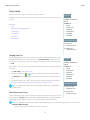
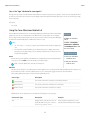
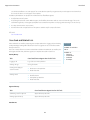
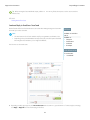
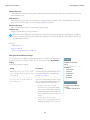
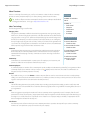
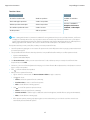
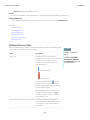
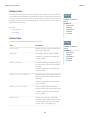
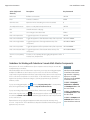
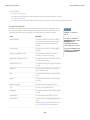
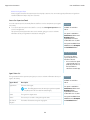
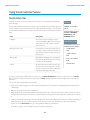
The Entitlement related list displays a list of entitlements that apply to accounts, contacts, assets,
or service contracts. Entitlements help you determine if your customers are eligible for customer
support. You can use entitlements to verify if you can create cases for a customer.
Administrators determine an Entitlements related list's availability and contents. The following
options and information display by default:
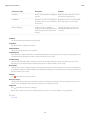
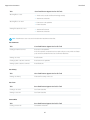
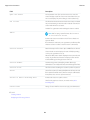
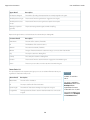
New Entitlement
Click this button to add a new entitlement to an account, contact, asset, or service contract.
Action
The actions you can perform on the entitlement:
• Click Create Case to create a new case that automatically includes the correct entitlement,
account, contact, or asset.
• Click Edit to change the entitlement.
• Click Del to remove the entitlement.
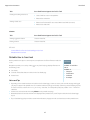
Entitlement
The entitlement's name. Click to view the entitlement's details.
Start Date
The first day the entitlement is in effect.
EDITIONS
Available in: Salesforce
Classic
Available in: Enterprise,
Performance, Unlimited,
and Developer Editions with
the Service Cloud
USER PERMISSIONS
To view entitlements on
accounts, contacts, assets,
or service contracts:
• “Read” on accounts,
contacts, assets, or
service contracts
To edit entitlements on
accounts, contacts, assets,
or service contracts:
• “Edit” on accounts,
contacts, assets, or
service contracts
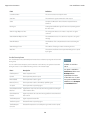
End Date
The last day the entitlement is in effect.
Status
The entitlement's status.
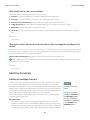
To create cases:
• “Create” on cases
To change entitlements:
• “Edit” on entitlements
SEE ALSO:
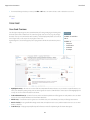
Verifying Entitlements
Cases
110