1
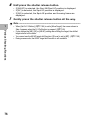
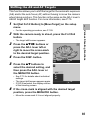
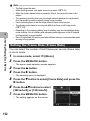
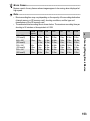
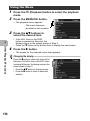
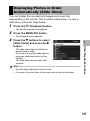
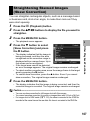
Note ---------------------------------------------------------------------------------------------• The image size does not change for skew corrected images.
• If the image size is large, skew correction will take time. Resize the image (GP.164)
before performing skew correction to speed up the process.
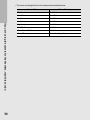
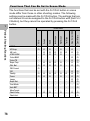
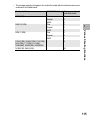
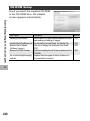
• The following table shows the approximate time required for skew correction.
Image Size
4000 × 3000
2592 × 1944
2048 × 1536
1280 × 960
640 × 480
Correction time
Approx. 60 seconds
Approx. 24 seconds
Approx. 14 seconds
Approx. 6 seconds
Approx. 2 seconds
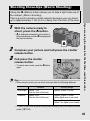
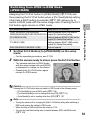
• When scene mode is set to [Skew Correct Mode], you can shoot an image and then
immediately correct any skew in the image. (GP.97)
3
Other Playback Functions
168