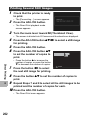
1
6
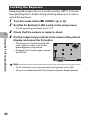
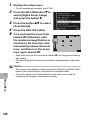
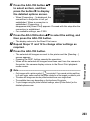
Press ADJ./OK button !" to
reposition the area that will be
in focus.
• For help, press the Fn button. Press
the Fn button again to clear help from
the display.
7
Press ADJ./OK button #$ to
choose the width of the area
that will be in focus.
8
9
Press the ADJ./OK button.
10
Press the shutter release button all the way to shoot the
picture.
3
Shooting Mode Types
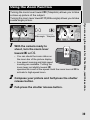
Compose your picture and half-press the shutter
release button.
Caution-----------------------------------------------------------------------------------------• [Image Settings] is not available in miniaturization mode.
• The focus of the final image differs slightly from that in the image displayed immediately
after shooting.
80