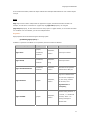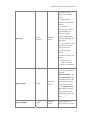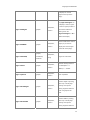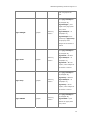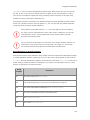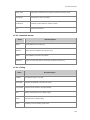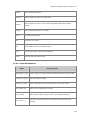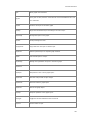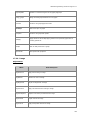
1
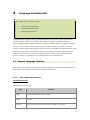
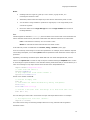
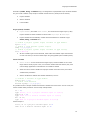
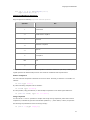
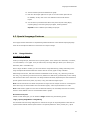
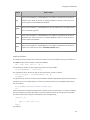
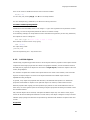
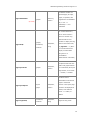
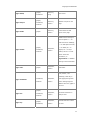
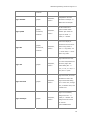
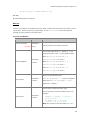
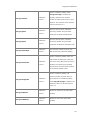
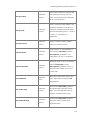
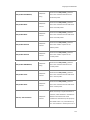
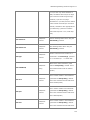
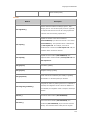
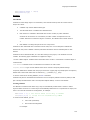
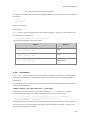
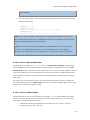
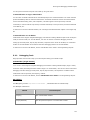
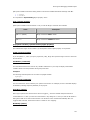
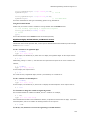
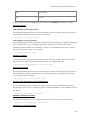
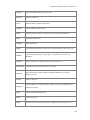
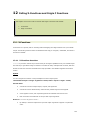
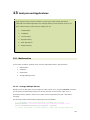
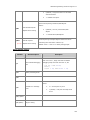
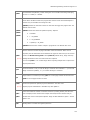
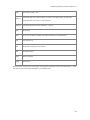
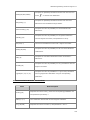
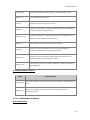
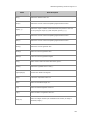
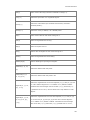
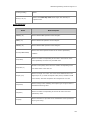
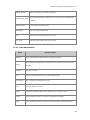
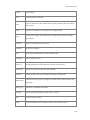
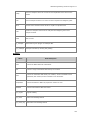
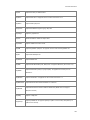
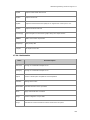
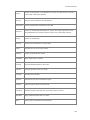
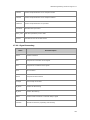
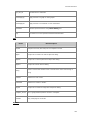
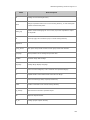
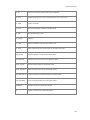
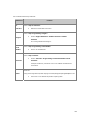
Importing
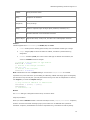
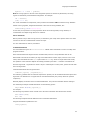
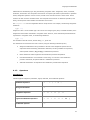
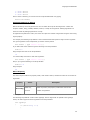
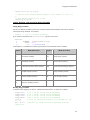
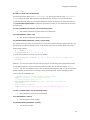
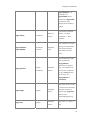
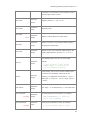
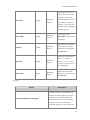
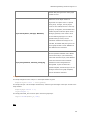
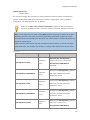
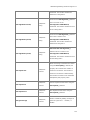
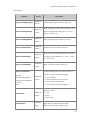
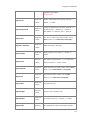
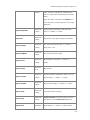
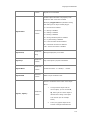
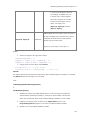
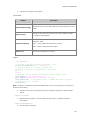
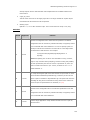
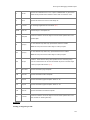
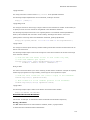
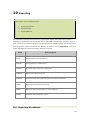
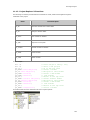
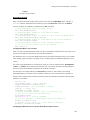
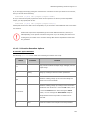
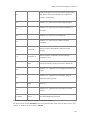
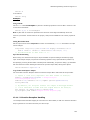
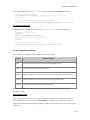
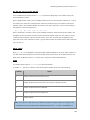
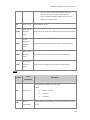
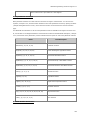
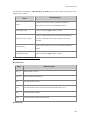
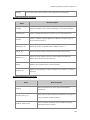
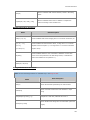
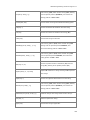
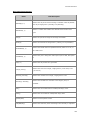
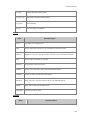
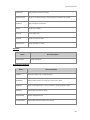
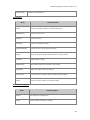
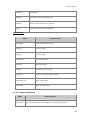
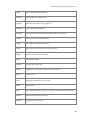
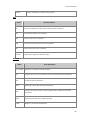
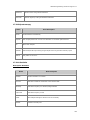
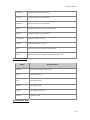
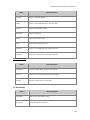
impWav
Import waveform audio file
reimport
Re-import current file
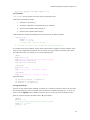
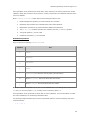
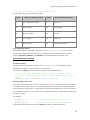
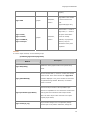
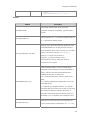
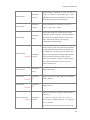
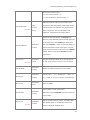
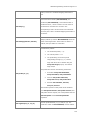
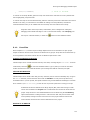
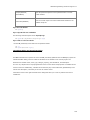
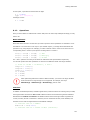
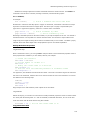
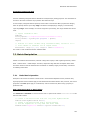
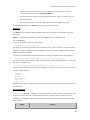
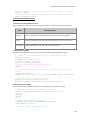
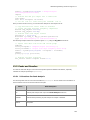
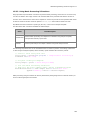
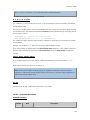
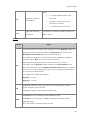
You can write your own import routines in the form of X-Functions as well. If the name of a user-created
X-Function begins with imp and it is placed in the \X-Functions\Import and Export subfolder of the
EXE, UFF or Group paths, then such functions will appear in the File|Import menu.
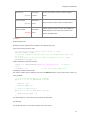
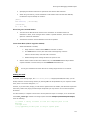
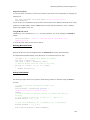
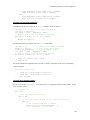
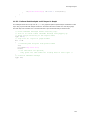
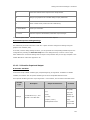
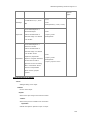
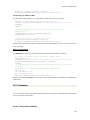
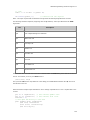
The following sections give examples of script usage of these functions for importing data, graphs, and
images.
9.1 Importing Data
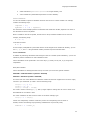
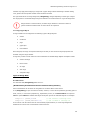
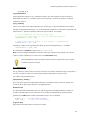
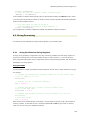
The following examples demonstrate the use of X-Functions for importing data from external files. The
examples import ASCII files, but the appropriate X-Function can be substituted based on your desired
filetype (i.e., CSV, Matlab); syntax and supporting commands will be the same. Since these examples
import Origin sample files, they can be typed or pasted directly into the Script or Command window and
run.
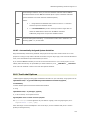
9.1.1
Import an ASCII Data File Into a Worksheet or Matrix
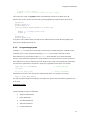
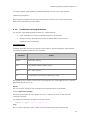
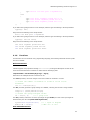
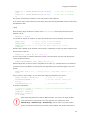
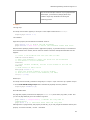
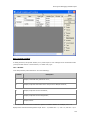
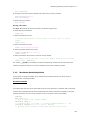
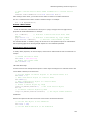
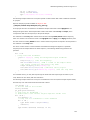
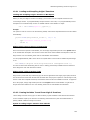
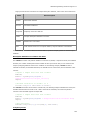
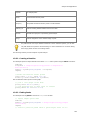
This example imports an ASCII file (in this case having a *.txt extension) into the active worksheet or
matrix. Another X-Function, findfiles, is used to find a specific file in a directory (assigned to the string
path$) that contains many other files. The output of the findfiles X-Function is a string variable containing
the desired filename(s), and is assigned, by default, to a variable named fname$. Not coincidentally, the
default input argument for the impASC X-Function is a string variable called fname$.
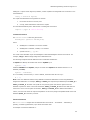
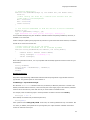
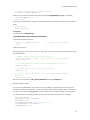
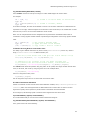
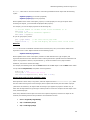
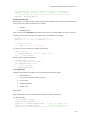
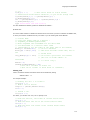
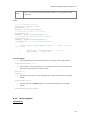
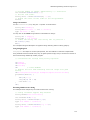
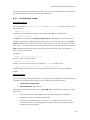
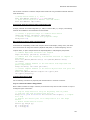
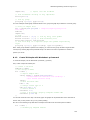
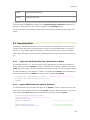
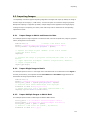
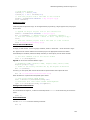
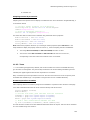
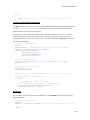
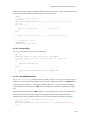
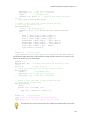
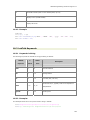
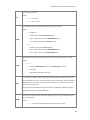
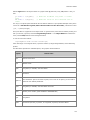
string path$ = system.path.program$ + "Samples\Import and Export\";
findfiles ext:=matrix_data_with_xy.txt;
impASC;
9.1.2
Import ASCII Data with Options Specified
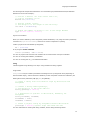
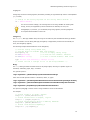
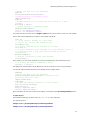
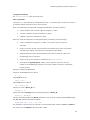
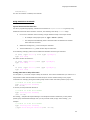
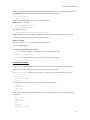
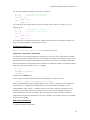
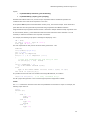
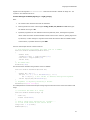
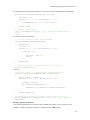
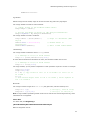
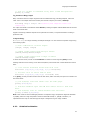
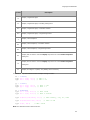
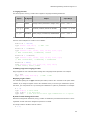
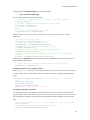
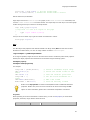
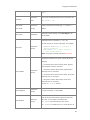
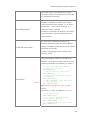
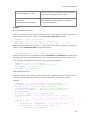
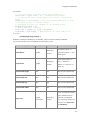
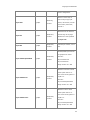
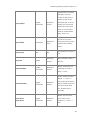
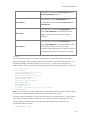
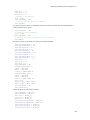
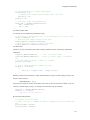
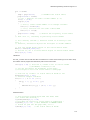
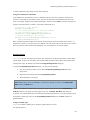
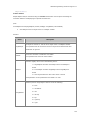
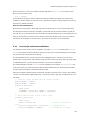
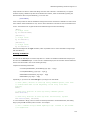
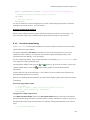
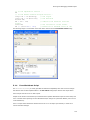
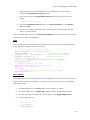
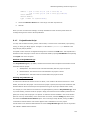
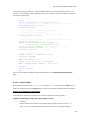
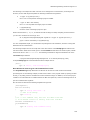
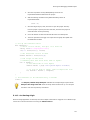
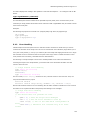
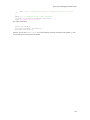
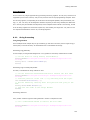
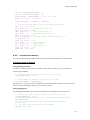
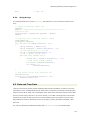
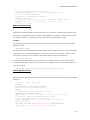
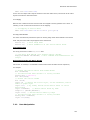
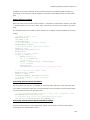
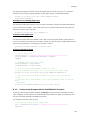
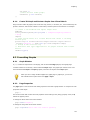
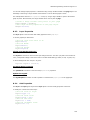
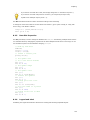
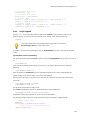
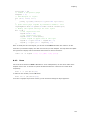
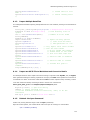
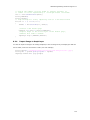
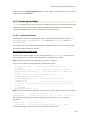
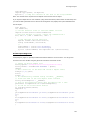
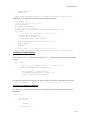
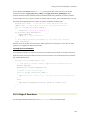
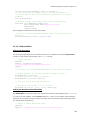
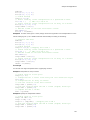
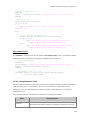
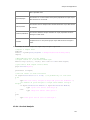
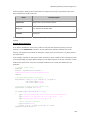
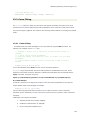
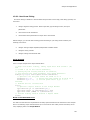
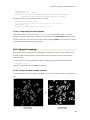
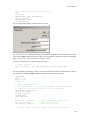
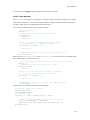
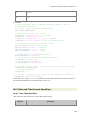
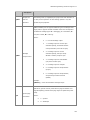
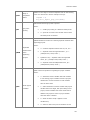
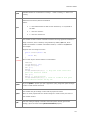
This example makes use of many advanced options of the impASC X-Function. It imports a file to a new
book, which will be renamed by the options of the impASC X-Function. Notice that there is only one semicolon (following all options assignments) indicating that all are part of the call to impASC.
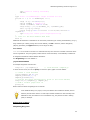
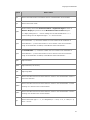
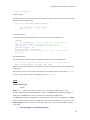
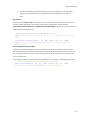
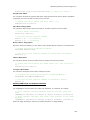
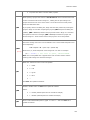
string fn$=system.path.program$ +
"Samples\Spectroscopy\HiddenPeaks.dat";
impasc fname:=fn$
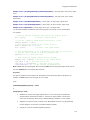
options.ImpMode:=3
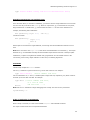
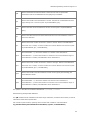
*/
options.Sparklines:=0
options.Names.AutoNames:=0
*/
/* start with a new book
/* turn off sparklines */
/* turn off auto rename
209