1
CAMERA / CAMCORDER CONTROLS
Item
Description
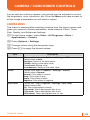
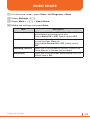
White Balance
Choose White Balance in Options > Settings > W/B.
Default value is Auto.
Daylight: Control of the white value.
Cloudy: Setting of the white value.
Fluorescent: Setting of the white value.
Incandescent: Setting of the white value.
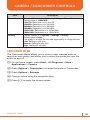
Effect
Choose color effect in Options > Settings > Effect.
Default value is Normal.
Normal: Color effect is normal.
Gray: Color effect is gray
Sepia: Color effect is sepia
Negative: Color effect is negative
Self-Timer
Choose Self Timer in Options > Settings > Self-Timer.
Default value is Off.
Off: Take a photograph instantly.
3 Seconds: Take a photograph after 3 sec.
5 Seconds: Take a photograph after 5 sec.
10 Seconds: Take a photograph after 10 sec.
Resolution
Choose a Resolution in Options > Settings > Resolution.
176x144: Camera resolution is in 176 x144.
Quality
Choose Quality in in Options > Settings > Quality.
Default value is High.
Low quality is a small file size and High quality is a large file size.
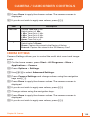
Low: Setting for still shot.
Normal: Setting for still shot.
High: Setting for still shot.
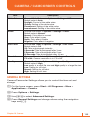
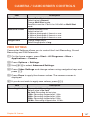
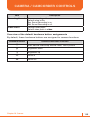
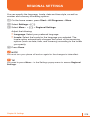
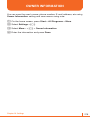
GENERAL SETTINGS
Camera/Camcorder Settings allows you to control the time out and
storage.
1 On the home screen, press Start > All Programs > More >
Applications > Camera.
2 Press Options > Settings.
3 Use [L/R] to select Advanced Settings.
4 Press General Settings and change values using the navigation
keys and [O].
Chapter 10. Camera
145