1
Chapter 7
Channel API for LabVIEW
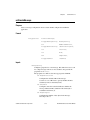
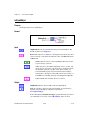
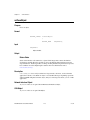
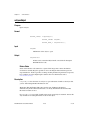
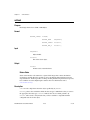
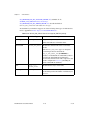
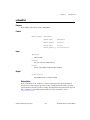
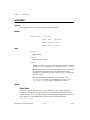
Interface Transceiver Mode
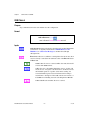
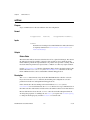
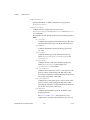
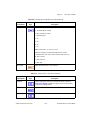
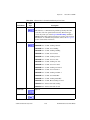
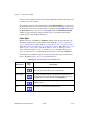
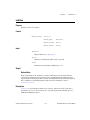
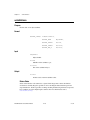
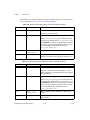
Sets the transceiver mode for the interface that was initialized for the task.
The transceiver mode controls whether the transceiver is asleep or
communicating, as well as other special modes.
This property is supported on Series 2 cards only.
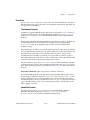
For Series 2 cards for the PCMCIA form factor, this property requires a
corresponding Series 2 cable (dongle). For information on how to identify
the series of the PCMCIA cable, refer to the Series 2 Vs. Series 1 section of
Chapter 1, Introduction.
For Series 2 XS cards, this property is not supported when the Interface
Transceiver Type is External. To control the mode of an external
transceiver, use the Interface Transceiver External Outputs property.
The default value for this property is Normal.
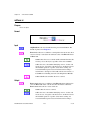
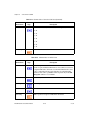
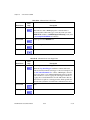
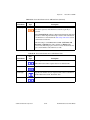
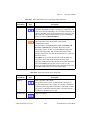
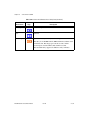
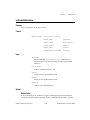
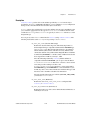
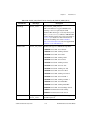
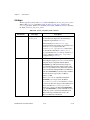
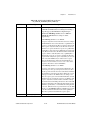
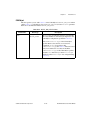
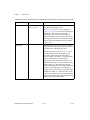
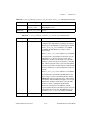
This property uses the following values:
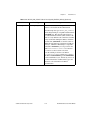
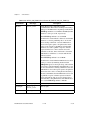
Normal
Set transceiver to normal communication mode. If you set Sleep mode
previously, this performs a local wakeup of the transceiver and CAN
controller chip.
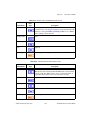
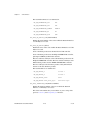
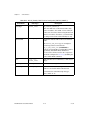
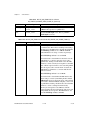
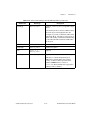
Sleep
Set transceiver and the CAN controller chip to sleep (or standby) mode.
If the transceiver supports multiple sleep/standby modes, the NI CAN
hardware implementation ensures that all of those modes are equivalent
with regard to the behavior of the transceiver on the network. For more
information on the physical specifications for normal and sleep modes for
each transceiver, refer to Chapter 3, NI CAN and LIN Hardware.
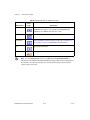
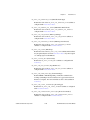
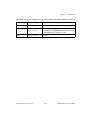
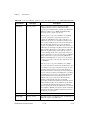
You can set Sleep mode only while the interface is communicating. If at
least one task for the interface has not been started (such as with CAN
Start.vi), setting the transceiver mode to Sleep will return an error.
When the interface enters sleep mode, communication is not possible until
a wakeup occurs. All pending frame transmissions are deferred until the
wakeup occurs. The transceiver and CAN controller wake from sleep mode
when either a local wakeup or remote wakeup occurs.
NI-CAN Hardware and Software Manual
7-82
ni.com