1
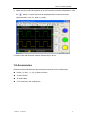
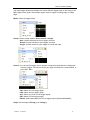
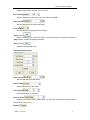
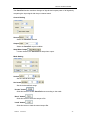
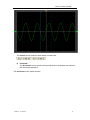
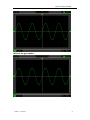
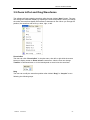
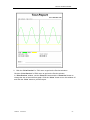
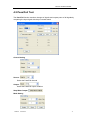
Hantek 6052BE/6082BE Volt/DIV: Channel the resolution of the reference channel. Reset: Reset the reference channel vertical position to zero. Load Reference: Load the reference waveform from the “.ref” file from your computer. Save Reference: Save the current reference waveform to your computer as “.ref” format. You can change the vertical scale of a waveform. The waveform display will contract or expand relative to the reference level. Click “Save Reference” to save the waveform to *.ref file. The saved source window appears. The Reference Waveform Display Window: Caution: If you turn on the “Reference” channel, the load file window will appear. USER’S MANUAL 36