1
Accessing LPSR
MODULE 1 — ACCESSING LOSS PREVENTION
SERVICE REQUESTS
After this module, you will be able to:
Logon to the application
Logoff the application
Navigate in the application
Request help with the application
LESSON 1 — LOGIN
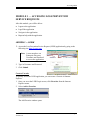
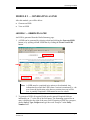
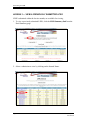
1. Access the Loss Prevention Service Request (LPSR) application by going to the
following site: http://lp.gaic.com
Note: A user must have an
Enterprise Directory
Username and Password
to access the application.
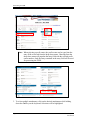
2. Type in Username and Password.
3. Click Submit.
Create a Favorite
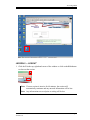
To quickly access the LPSR application, you can create a Favorite in Internet
Explorer.
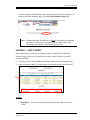
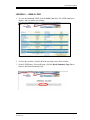
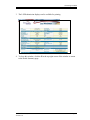
1. Once you are at the LPSR Login screen, click Favorites from the Internet
Explorer menu.
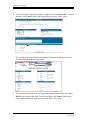
2. Select Add to Favorites.
The Add Favorite window opens.
© AFG ITServices, 2004
Version 2.0
Page 1