1
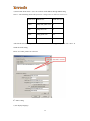
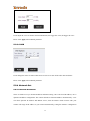
2) Set if close the status bar
3) Confirm when application close
4) Can choose if enable the login form
5) Set all device will be connected when program is started.
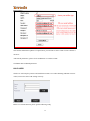
6) You can modify the password of the camera here.
4.1.3.2 Playback, Browse snapshots and Event list
Click the button
on the top rigth corner of “CloudNeteyeForPC”. Do the following
operations.
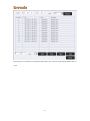
1) Playback
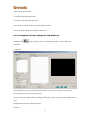
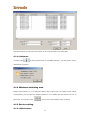
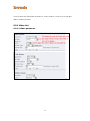
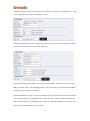
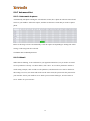
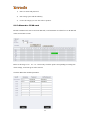
Search function, users can search all recording files of one or more camera in a certain time.
Delete function, can delete unnecessary files.
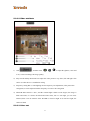
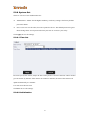
Users can view the payback of the recording, include play, pause, stop, drag watch and full screen
view.
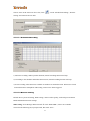
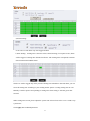
Snapshot function, check snapshot pictures.
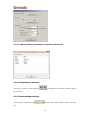
Event list
21