1
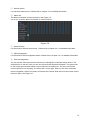
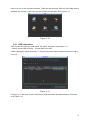
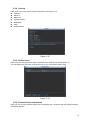
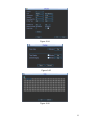
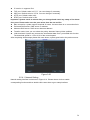
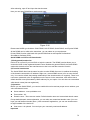
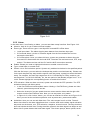
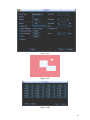
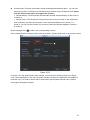
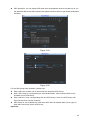
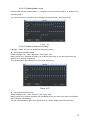
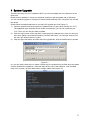
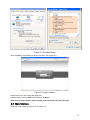
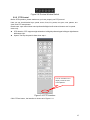
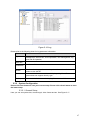
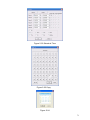
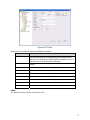
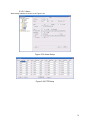
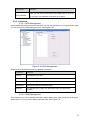
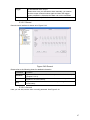
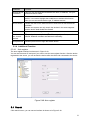
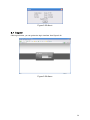
Channel status: Here you can view the IPC status of the corresponding channel such as motion
detect, video loss, camera masking, alarm and etc. See Figure 3-17.
Figure 3-17
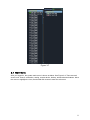
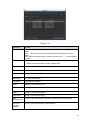
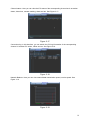
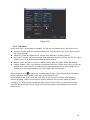
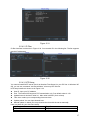
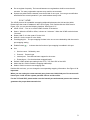
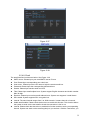
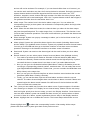
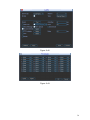
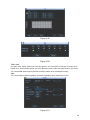
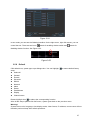
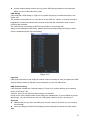
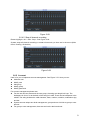
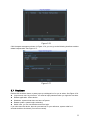
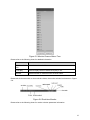
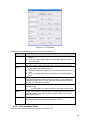
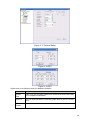
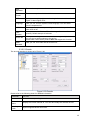
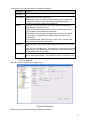
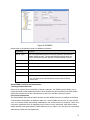
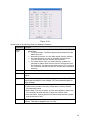
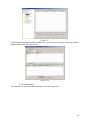
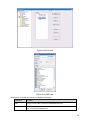
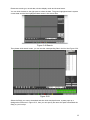
Connection log: In this interface, you can search the IPC log information of the corresponding
channel. It includes IPC online, offline and etc. See Figure 3-18.
Figure 3-18
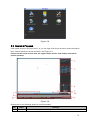
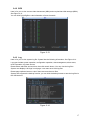
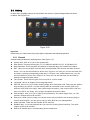
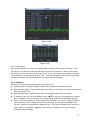
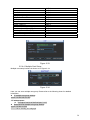
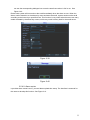
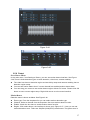
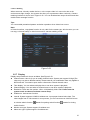
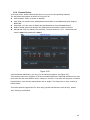
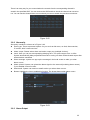
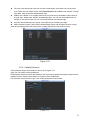
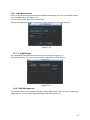
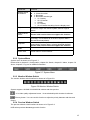
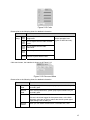
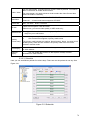
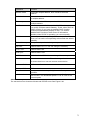
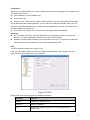
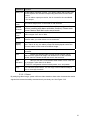
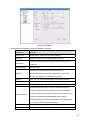
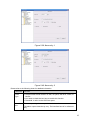
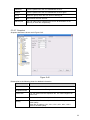
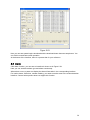
Network Balance: Here you can view network data transmission speed, receive speed. See
Figure 3-19.
Figure 3-19
19