1
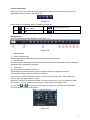
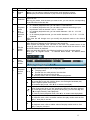
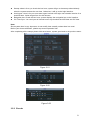
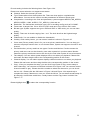
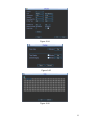
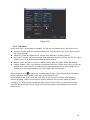
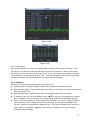
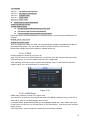
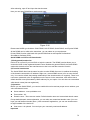
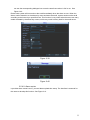
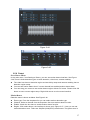
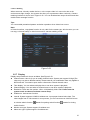
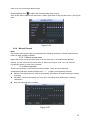
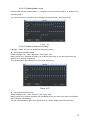
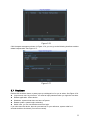
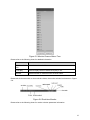
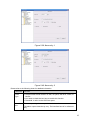
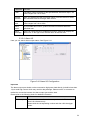
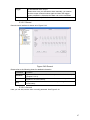
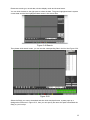
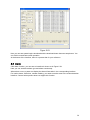
Figure 5-9 Preview Window Switch
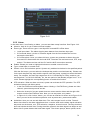
5.2.5 PTZ Control
Before PTZ operation, please make sure you have properly set PTZ protocol.
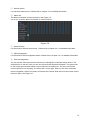
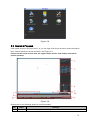
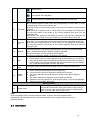
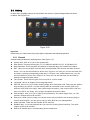
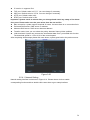
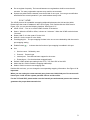
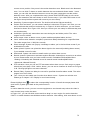
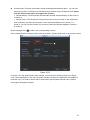
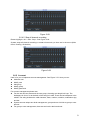
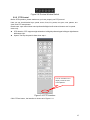
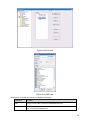
Here you can view direction keys, speed, zoom, focus, iris, preset, tour, pan, scan, pattern, aux
close, and PTZ setup button.
Please note: open menu/close menu/up/down/left/right/confirm/cancel buttons are for speed
dome only.
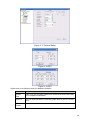
z PTZ direction: PTZ supports eight directions: left/right/up/down/upper left/upper right/bottom
left/bottom right.
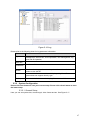
z Speed: The step 8 speed is faster than step 1.
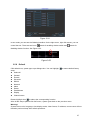
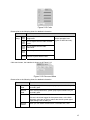
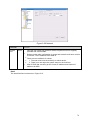
You can click this icon to
display or hide the PTZ
control platform.
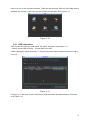
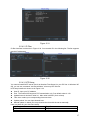
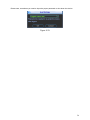
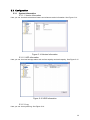
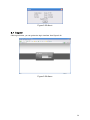
Figure 5-10 PTZ Interface
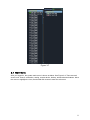
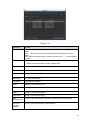
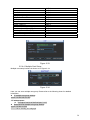
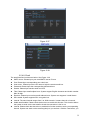
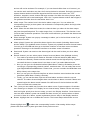
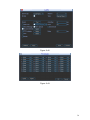
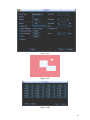
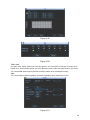
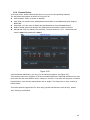
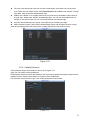
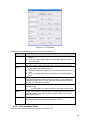
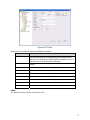
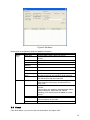
Click PTZ set button, the interface is shown as in Figure 5-11.
63