1
CHAPTER 4 Menus
4.5 Project
Soft ware
4.5.5.8
Support
Ma nual
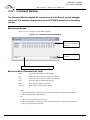
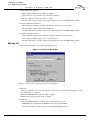
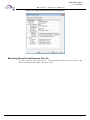
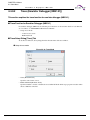
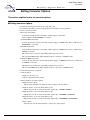
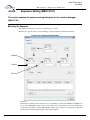
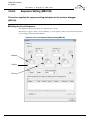
Setting Converter Options
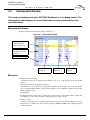
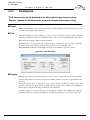
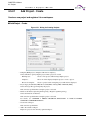
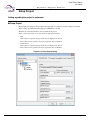
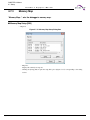
This section explains how to set converter options.
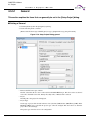
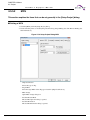
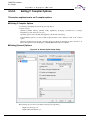
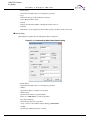
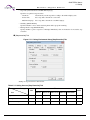
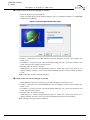
■ Setting Converter Options
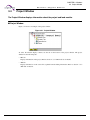
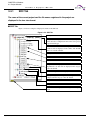
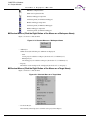
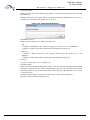
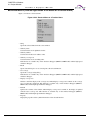
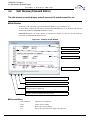
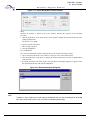
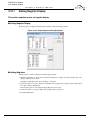
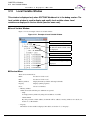
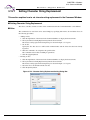
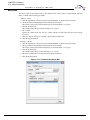
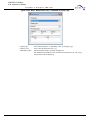
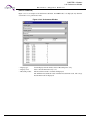
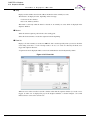
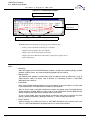
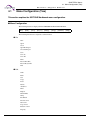
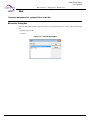
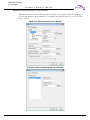
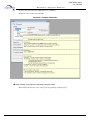
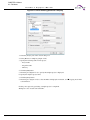
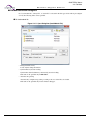
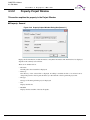
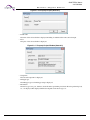
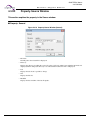
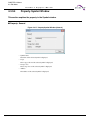
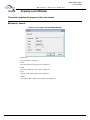
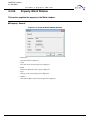
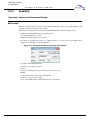
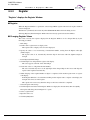
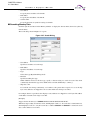
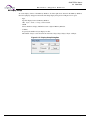
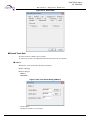
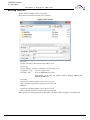
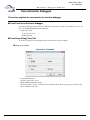
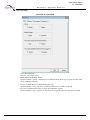
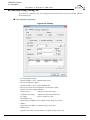
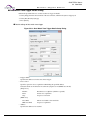
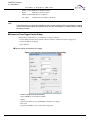
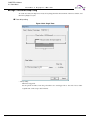
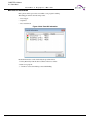
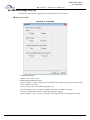
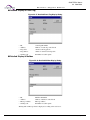
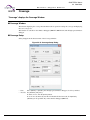
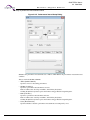
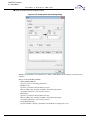
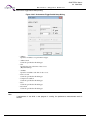
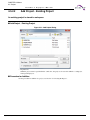
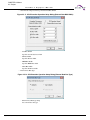
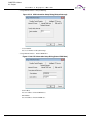
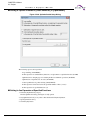
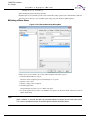
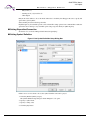
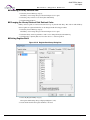
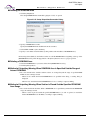
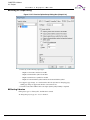
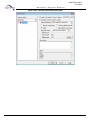
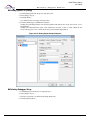
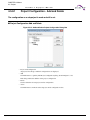
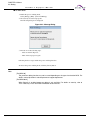
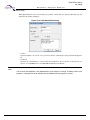
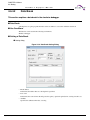
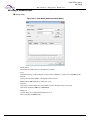
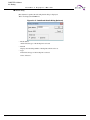
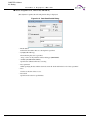
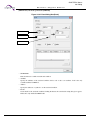
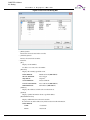
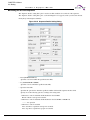
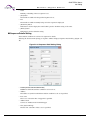
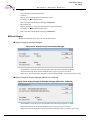
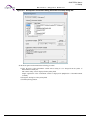
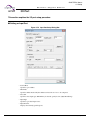
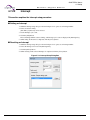
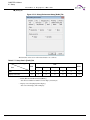
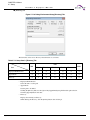
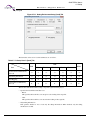
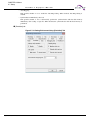
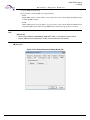
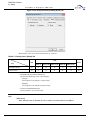
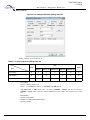
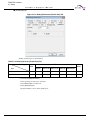
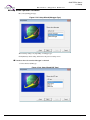
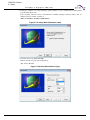
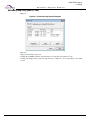
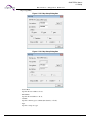
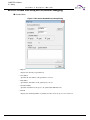
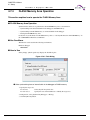
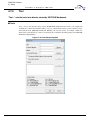
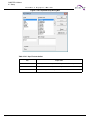
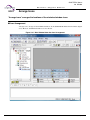
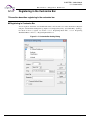
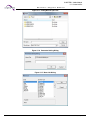
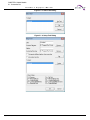
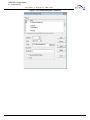
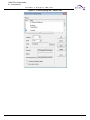
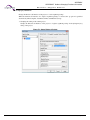
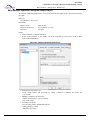
1. Click the [Converter] tab from the project setup dialog box.
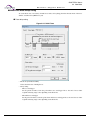
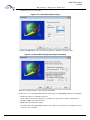
2. To start the load module converter, mark the [Start load module converter] checkbox.
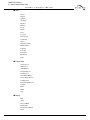
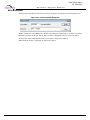
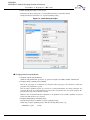
3. Select a conversion format.
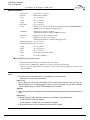
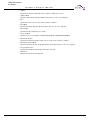
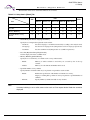
• Motorola S format(f2ms)
- Converts the absolute format load module of linker output to an S format.
Data at addresses 0 to 0xFFFFFFFF is converted.
• 32-bit Intel HEX format(f2hs)
- Converts the absolute format load module of linker output to an HEX format. Data at addresses 0 to
0xFFFFFFFF is converted.
• Intel HEX format(f2is)
- Converts the absolute format load module of linker output to an HEX8 format. Data at addresses 0 to
0xFFFF is converted.
- This format is left to maintain compatibility with the previous version.
The 32-bit Intel HEX format (f2hs) should be used for conversion to an HEX8 format.
• Intel Extend HEX format(f2es)
- Converts the absolute format load module of linker output to an HEX16 format. Data at addresses 0
to 0xFFFFF is converted.
- This format is left to maintain compatibility with the previous version.
The 32-bit Intel HEX format (f2hs) should be used for conversion to an HEX16 format.
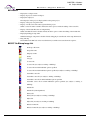
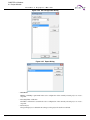
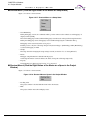
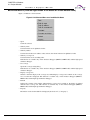
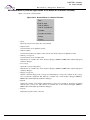
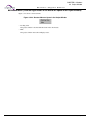
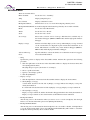
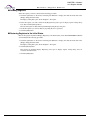
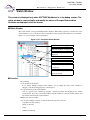
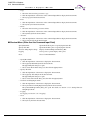
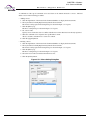
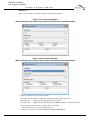
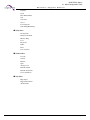
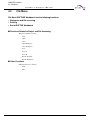
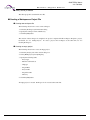
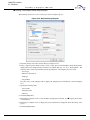
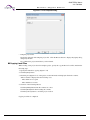
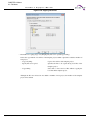
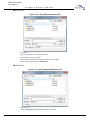
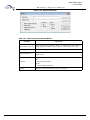
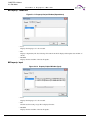
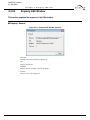
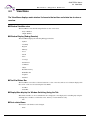
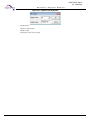
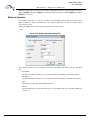
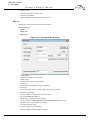
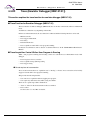
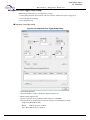
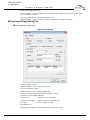
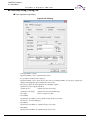
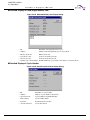
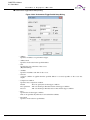
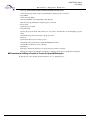
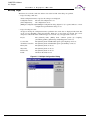
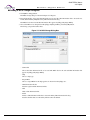
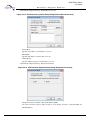
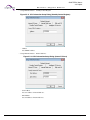
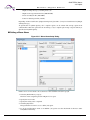
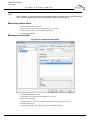
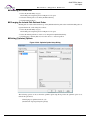
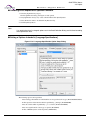
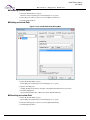
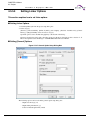
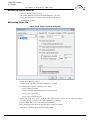
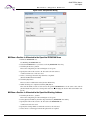
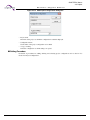
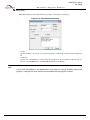
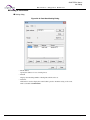
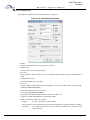
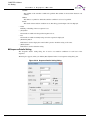
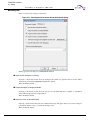
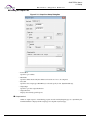
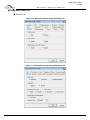
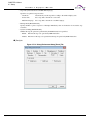
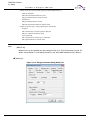
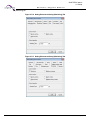
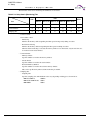
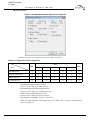
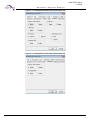
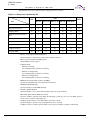
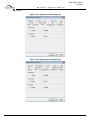
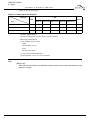
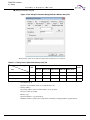
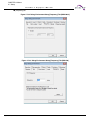
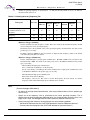
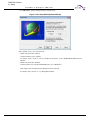
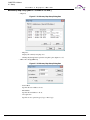
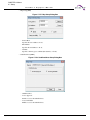
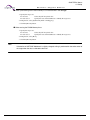
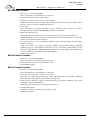
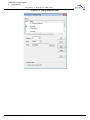
4. Set the following items as required:
• Common Options
- Outputs start message (-V)
- Control of default option file (-Xdof)
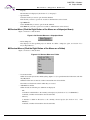
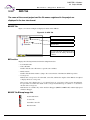
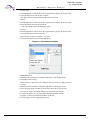
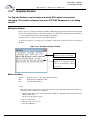
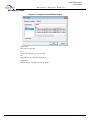
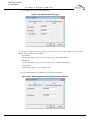
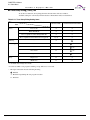
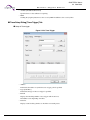
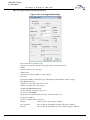
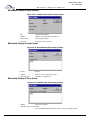
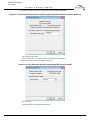
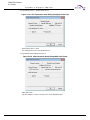
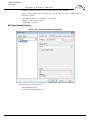
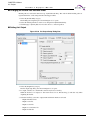
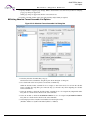
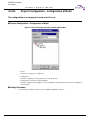
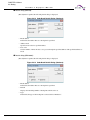
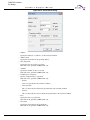
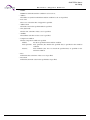
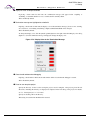
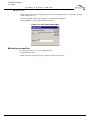
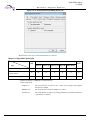
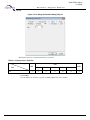
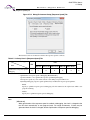
• Options for Motorola S format (f2ms)
- Output file format - None
Outputs data in mixed-S1, S2, and S3 records according to the data address.
- Output file format - S1 record (16-bit address) (-S1)
Outputs data in an S1 record (in an allowable output range of 0x0000 to 0xFFFF).
- Output file format - S2 record (24-bit address) (-S2)
Outputs data in an S2 record (in an allowable output range of 0x000000 to 0xFFFFFF).
- Output file format - S3 record (32-bit address) (-S3)
Outputs data in an S3 record (in an allowable output range of 0x00000000 to 0xFFFFFFFF).
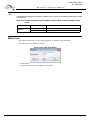
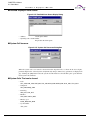
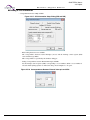
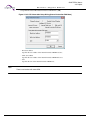
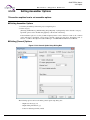
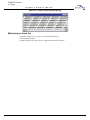
- Adjust (-adjust)
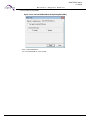
Automatically calls the Format Adjuster to adjust a data output format.
316
CM41-00312-9E, July 31, 2015