1
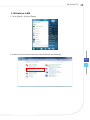
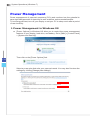
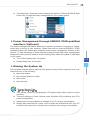
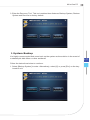
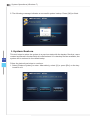
All-in-One PC Power Management Power management of personal computers (PCs) and monitors has the potential to save significant amounts of electricity as well as deliver environmental benefits. To be energy efficient, turn off your display or set your PC to sleep mode after a period of user inactivity. Power Management in Windows OS ■ [Power Options] in Windows OS allow you to control the power management features of your display, hard drive, and battery. Go to [Start] > [Control Panel] > [System and Security]. Then click on the [Power Options] link. Select a power plan that suits your personal needs. You may also finetune the settings by clicking [Change plan settings]. 4-15