1
Monitoring Devices
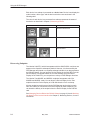
Obtaining the Status of Devices and Interfaces
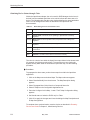
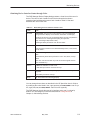
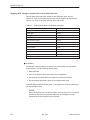
When you request status on a device or device interface, operational status is
displayed always and, depending on the type of device you selected,
administrative status can also be displayed. A status request at the DSL or NAM
card level provides the operational status of each port on a card.
You can obtain status information on a device from within OpenView or a Device
Display. To obtain status information on a device interface or card, you must use
a Device Display.
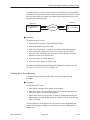
The following procedures describe how to:
H
Obtain administrative and operational status on a device from OpenView
H
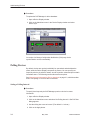
Obtain administrative and operation status on a device interface
H
Obtain operational status at the DSL or NAM card level
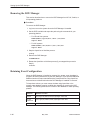
" Procedure
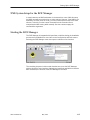
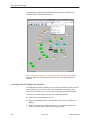
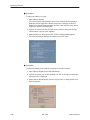
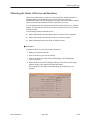
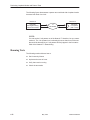
To obtain the state of a device from within OpenView:
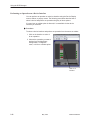
1. Display an OpenView submap.
2. Click on the device you want to examine.
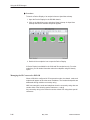
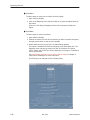
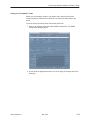
3. Click on the Fault menu and select DCE Manager. The DCE Manager
submenu appears.
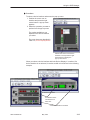
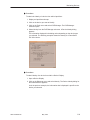
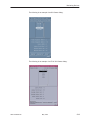
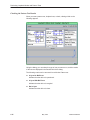
4. Select Status from the DCE Manager submenu. The Device H & S dialog
appears, where H & S represents Health and Status.
The information in the dialog varies depending on the device type you
selected.
7800-A2-GB26-80
May 1999
5-11