1
DisplayLink USB Graphics User Manual
Software Version 7.7
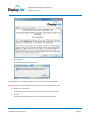
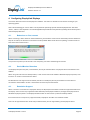
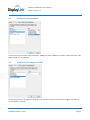
The red border shows the size of the new Windows desktop. Use the “+” and “-” controls on the Fit to TV GUI to
change the size of the red border until it fits on the TV screen.
Note: Finer configuration of the size of the border can be achieved by holding down the CTRL key and clicking the “+”
and “-”.
3.
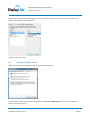
Once the red border is at the edges of the TV screen, click “Apply” to resize the Windows desktop.
© DisplayLink 2014 – Issue 1
Page 37