1
1003
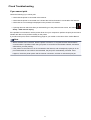
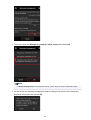
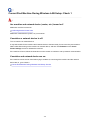
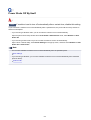
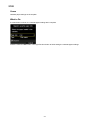
Cause
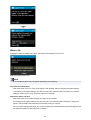
Machine is out of paper or paper does not feed.
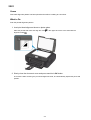
What to Do
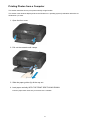
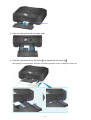
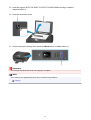
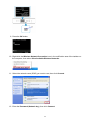
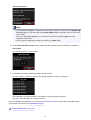
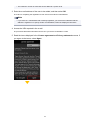
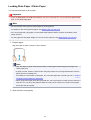
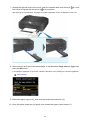
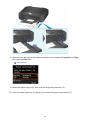
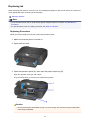
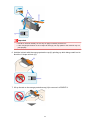
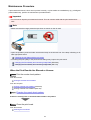
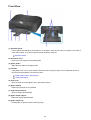
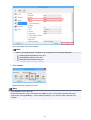
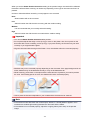
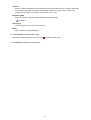
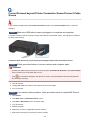
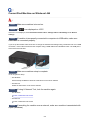
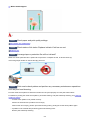
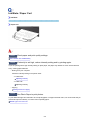
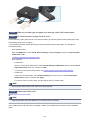
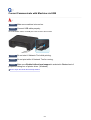
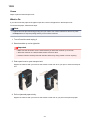
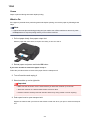
Close the paper output tray, pull the cassette out, and then load the paper.
When you load the paper, insert the paper stack until the leading edge touches the far end of the
cassette.
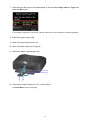
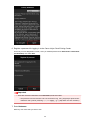
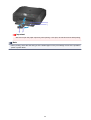
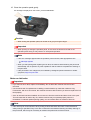
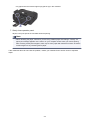
After loading the paper, push the cassette so that the
the machine.
mark on the cassette aligns with the
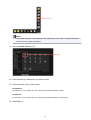
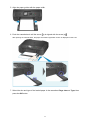
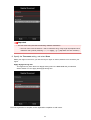
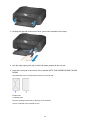
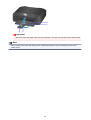
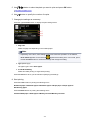
Open the paper output tray and press the machine's OK button.
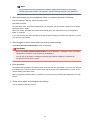
Note
• To cancel printing, press the machine's Stop button.
936
mark on