1
Appendix
B
Convert an Existing System to Redundancy
Introduction
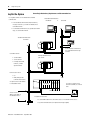
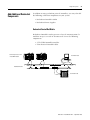
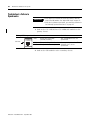
If you are adding redundancy to an existing system, follow these
guidelines:
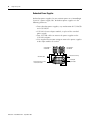
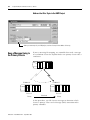
• Changing the node number of a CNB module may affect
messages, tags, or listen-only connections in other devices.
Choose node numbers that have the least impact on existing
communications.
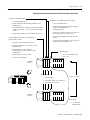
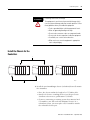
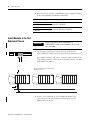
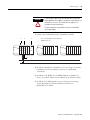
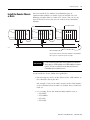
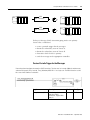
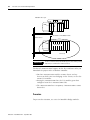
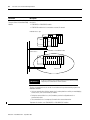
• An existing system that contains local I/O modules still requires
two additional chassis.
– A redundant system can use only I/O that is in a remote
chassis (for example, not in the same chassis as the
controller).
– We recommend that you move the existing 1756-L55Mxx
controller from the original chassis and place it in a redundant
chassis.
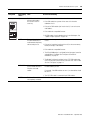
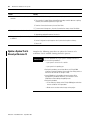
• Change any event tasks to periodic tasks. You can’t use event
tasks in a ControlLogix redundancy system.
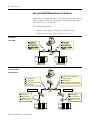
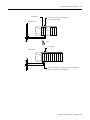
Convert Local Modules to
Remote Modules
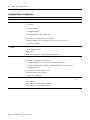
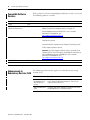
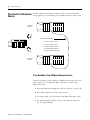
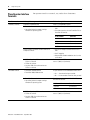
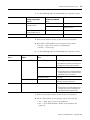
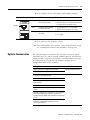
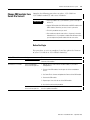
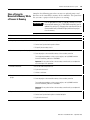
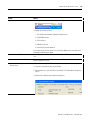
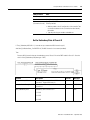
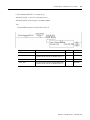
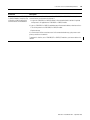
If you are converting an existing system to a redundant system:
And the system
Then
Contained only I/O modules that
were not in the same chassis as
the controller
Do not change the I/O configuration of the controller.
Contained local I/O modules
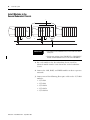
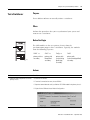
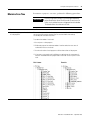
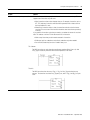
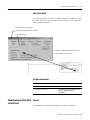
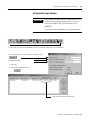
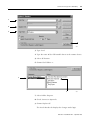
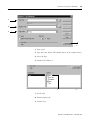
Use the procedures in this section to convert the
configuration of local modules to remote modules.
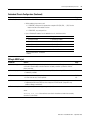
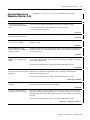
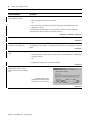
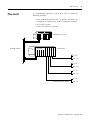
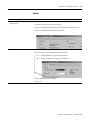
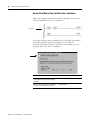
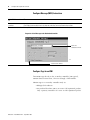
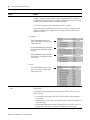
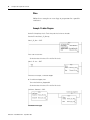
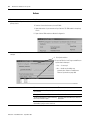
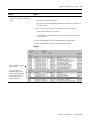
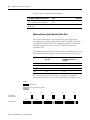
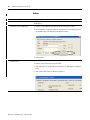
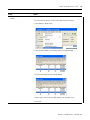
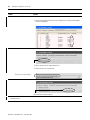
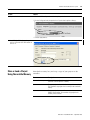
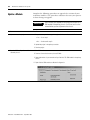
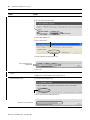
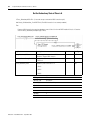
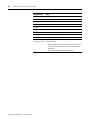
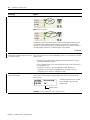
To convert a local module to a remote module:
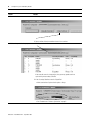
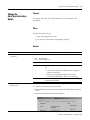
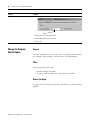
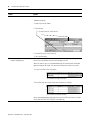
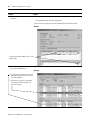
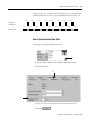
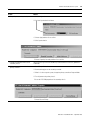
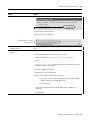
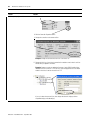
• reconfigure the local I/O modules.
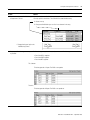
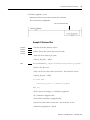
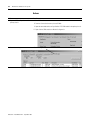
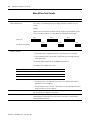
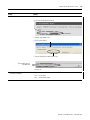
• replace local I/O tags.
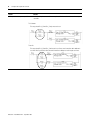
• replace any aliases to local I/O tags.
165
Publication 1756-UM523F-EN-P - September 2006