1
Wireless ADSL Router User’s Manual
Diagnostics
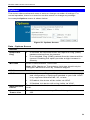
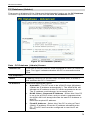
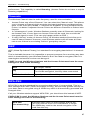
This screen allows you to perform a "Ping" or a "DNS lookup". These activities can be
useful in solving network problems.
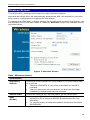
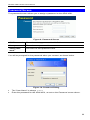
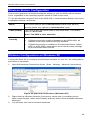
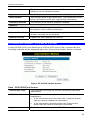
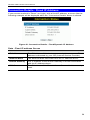
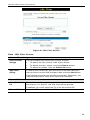
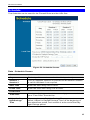
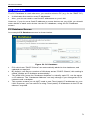
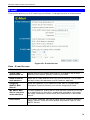
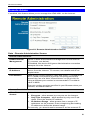
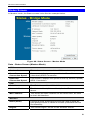
An example Network Diagnostics screen is shown below.
Figure 61: Network Diagnostics Screen
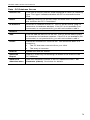
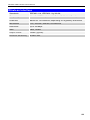
Data - Network Diagnostics Screen
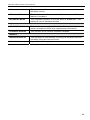
Ping
Ping this
IP Address
Enter the IP address you wish to ping. The IP address can be
on your LAN, or on the Internet. Note that if the address is on
the Internet, and no connection currently exists, you could get
a "Timeout" error. In that case, wait a few seconds and try
again.
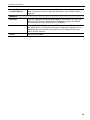
Ping Button
After entering the IP address, click this button to start the
"Ping" procedure. The results will be displayed in the Ping
Results pane.
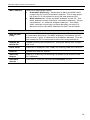
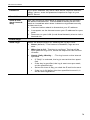
DNS Lookup
Internet name
Enter the Domain name or URL for which you want a DNS
(Domain Name Server) lookup. Note that if the address in on
the Internet, and no connection currently exists, you could get
a "Timeout" error. In that case, wait a few seconds and try
again.
Lookup Button
After entering the Domain name/URL, click this button to start
the "DNS Lookup" procedure.
Routing
Display
Click this button to display the internal routing table. This
information can be used by Technical Support and other staff
who understand Routing Tables.
80