1
R&S®SFE100
Switching On or Off the R&S SFE100
Turn-On Tests
For an overview of the all options available for the R&S SFE100 refer to the Rohde &
Schwarz Homepage.
5.4 Turn-On Tests
If an error is detected, an error indication is displayed in the error/warnings line along
with a brief description of the error.
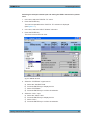
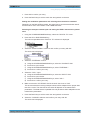
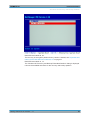
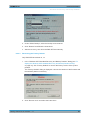
► To obtain more information about the error, press the "ERROR/WARNING
DETAILS" softkey.
A description of the error(s) or warning(s) is displayed.
For further details see the user manual or the help system.
Besides automatic monitoring of instrument functions, the R&S SFE100 also offers the
following way of ensuring proper operation.
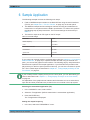
System adjustment
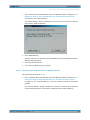
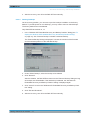
Use the SETUP menu to carry out an internal adjustment. This is a way of obtaining
the best possible level accuracy, for example.
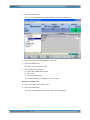
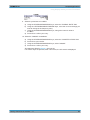
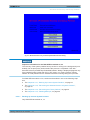
1. In the "HARDKEY" menu, select "SETUP".
2. In the tree, select "ADJUSTMENT".
For further details see the user manual or the help system.
Getting Started 2112.4122.62 ─ 11
29