1
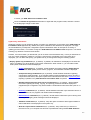
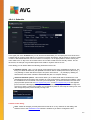
once the running scanning process is over. Having confirmed this option (Shutdown computer upon
scan completion), a new option activates that allows the computer to shut down even if it is currently
locked (Force shutdown if computer is lock ed).
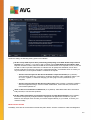
File types for scanning - you should also decide whether you want to scan:
o All file types with the option of defining exceptions from scanning by providing a list of comma
separated file extensions that should not be scanned;
o Selected file types - you can specify that you want to scan only files that can be infected
(files that cannot get infected will not be scanned, for instance some plain text files, or some
other non-executable files), including media files (video, audio files - if you leave this box
uncheck ed, it will reduce the scanning time even more, because these files are often quite
large and are not too lik ely to be infected by a virus). Again, you can specify by extensions
which files should always be scanned.
o Optionally, you can decide you want to Scan files without extension - this option is on by
default, and it is recommended that you keep it so unless you have a real reason to change it.
Files with no extensions are rather suspicious and should be scanned at all times.
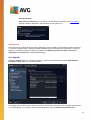
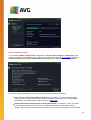
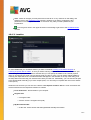
Adjust how quickly scan completes
Within this section you can further specify the desired scanning speed dependent on system resource usage.
By default, this option value is set to the user sensitive level of automatic resource usage. If you want the scan
to run faster, it will take less time but the system resources used will increase significantly during the scan,
and will slow down your other activities on the PC (this option can be used when your computer is switched on
but nobody is currently work ing on it). On the other hand, you can decrease the system resources used by
extending the scanning duration.
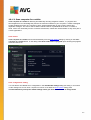
Set additional scan reports
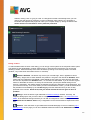
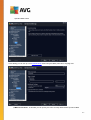
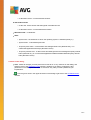
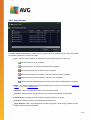
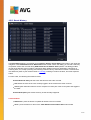
Click the Set additional scan reports ... link to open a standalone dialog window called Scan reports where
you can tick several items to define what scan findings should be reported:
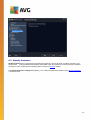
Controls in the dialog
102