1
Control buttons
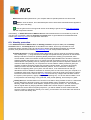
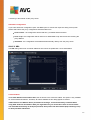
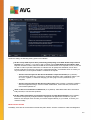
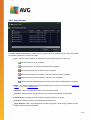
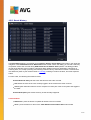
The following control buttons are accessible from the Virus Vault interface:
Restore - removes the infected file back to its original location on your disk.
Restore As - moves the infected file to a selected folder.
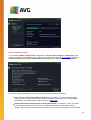
Details - for detailed information on the specific threat quarantined in the Virus Vault highlight the
selected item in the list and click the Details button to call a new dialog with a description of the
detected threat.
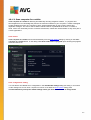
Delete - removes the infected file from the Virus Vault completely and irreversibly.
Empty Vault - removes all Virus Vault content completely. By removing the files from the Virus
Vault, these files are irreversibly removed from the disk (not moved to the recycle bin).
109