1
top
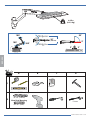
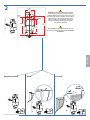
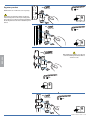
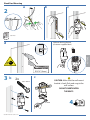
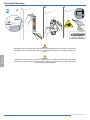
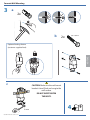
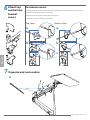
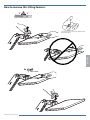
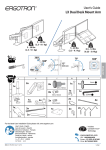
6 Attach
and bottom
bracket
covers
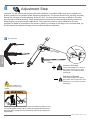
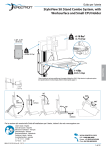
To remove covers:
a) Wedge the blade of a flat screwdriver into the gap between the wall mount bracket and the cover.
Rotate the blade upward to pry the cover away.
b) Repeat on the opposite side of the wall mount bracket.
c) Once the cover is free on both sides, lift it off.
Top Cover
Bottom Cover
a
b
b
c
c
ENGLISH
a
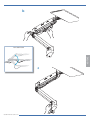
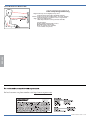
7 Organize and route cables
a
888-45-276-W-02 rev.G • 01/15
12 of 16