1
User Manual
Miraclebox Premium Twin HD
EN
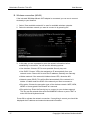
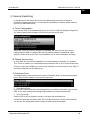
• Add Timer (GREEN)
If you want to add a Timer for the program selected in EPG mode press the GREEN
button. See Recordings (Section 4.11) for more information.
B. EPG Menu
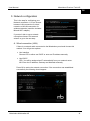
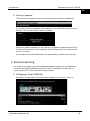
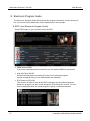
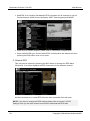
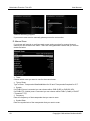
In the EPG Menu you have several EPG functions that might be interesting for you. Press
and hold the EPG button till the below menu appear.
• IMDb Details
Please refer to previous section EPG View.
• Add AutoTimer
Please refer to previous section EPG View.
• Search EPG
Please refer to previous section EPG View.
• Event Info
Displays detailed Information for the selected program.
• Graphical EPG
Displays the same EPG View as normal EPG in section A.
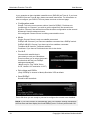
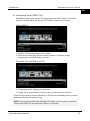
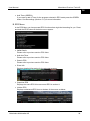
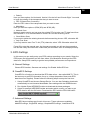
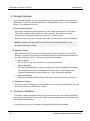
• Infobar EPG
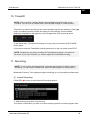
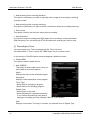
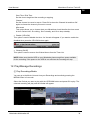
Displays a shortened EPG view on bottom of the screen as below.
Miraclebox Multimedia AB
28