1
Give Up Trades in FEC
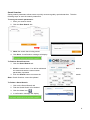
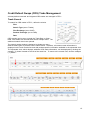
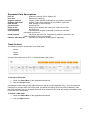
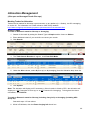
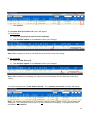
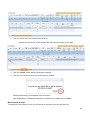
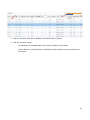
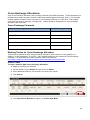
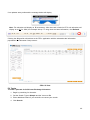
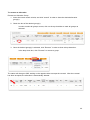
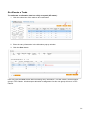
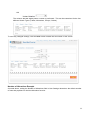
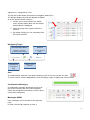
To give up the trade in FEC:
1. Click the ‘Sel’ check box.
2. Click Allocate.
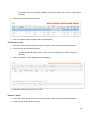
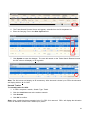
3. Enter the Firm, Account, Customer Type and Origin.
4. Click Allocate.
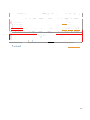
Claimed Give Up Allocation
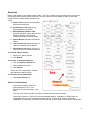
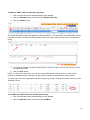
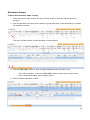
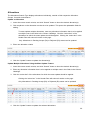
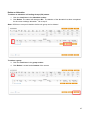
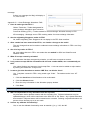
To mark a claimed give-up allocation for cross exchange:
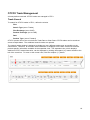
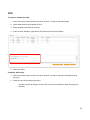
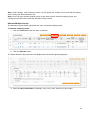
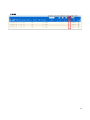
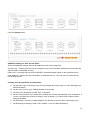
1. Complete a search in FEC:
a. Search Type = Give Ups, Venue = Pit or Globex and Subtype (Claims).
2&4
3
5
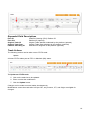
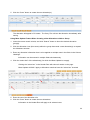
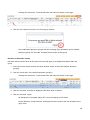
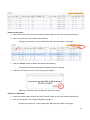
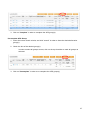
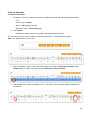
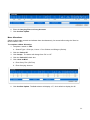
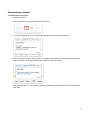
2. Click the ‘Sel’ check box.
3. Click ‘Accept’.
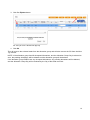
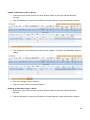
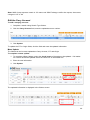
4. Click the ‘Sel’ check box.
5. Click ‘Send to MOS’.
51