1
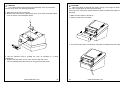
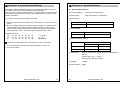
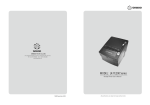
Chapter 2. PREPARATION 2.2. Connecting the cable 2.1. Unpacking You can connect up to four cables to the printer. They all connect to the connector panel on the back of the printer as shown below: When unpacking your printer box, make sure it contains the printer and all accessories. If any accessories is missing or damage, please contact your dealer for assistance. OM-9300 printer AC adapter User’s Manual Roll Paper Interface cable Before connecting any of the cables, make sure that both the printer and the computer are turned off. www.omniprintinc.com 7 8 www.omniprintinc.com