1
Telephone Programming – ISDN Functions
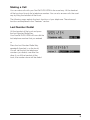
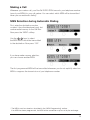
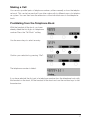
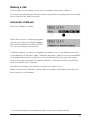
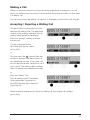
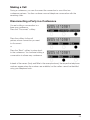
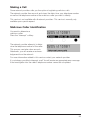
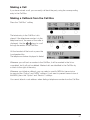
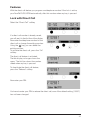
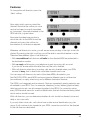
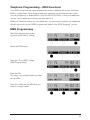
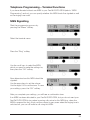
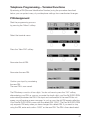
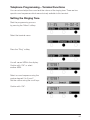
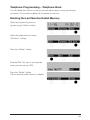
lf the MSN selected has already been
programmed, the telephone number
saved appears in the first line of the display.
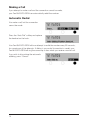
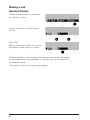
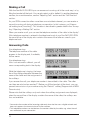
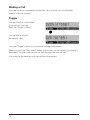
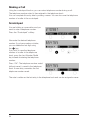
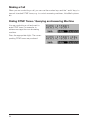
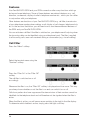
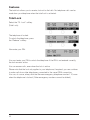
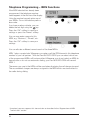
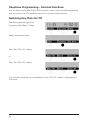
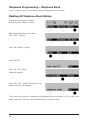
Using the number keypad, enter one of
your MSNs. Do not include the prefix or
area code.
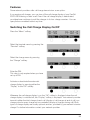
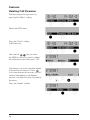
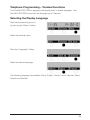
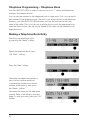
lf you have made a mistake, you can
delete the last digit using the
key.
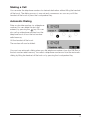
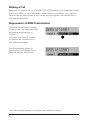
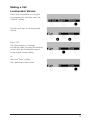
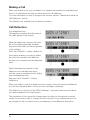
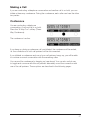
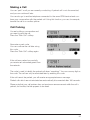
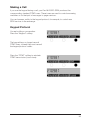
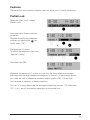
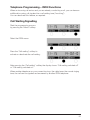
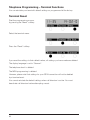
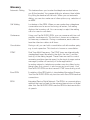
Press the “OK” softkey to save your
settings or press the “Name” softkey.
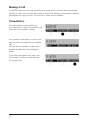
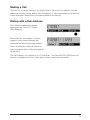
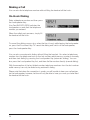
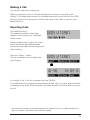
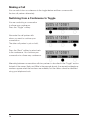
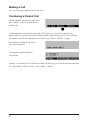
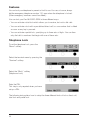
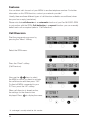
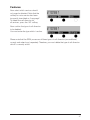
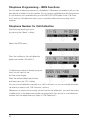
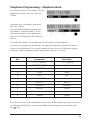
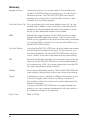
You can now enter a name for this
MSN, e.g. “Business”, “Private”, etc.
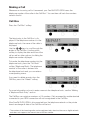
Press the “OK” softkey to save your
settings.
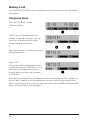
You can allocate a different name to each of the three MSNs.
MSN 1 plays a special role. Whenever you make a call, the ISDN transmits this telephone
number to your call partner. * With the FernTel EURO-ISDN you can select which one
of the programmed MSNs will be transmitted. Whenever you do not select an MSN for
transmission or do not use automatic dialing, your FernTel EURO-ISDN will transmit
MSN 1.
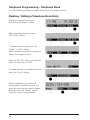
The names you save to the MSNs will be used when displaying the call charges incurred.
The accumulated charges are always assigned to the MSN which was transmitted to
the caller during dialing.
* lf required, you can suppress this transmission as described in the “Suppression of MSN
Transmission” section.
50