1
User Maintenance
7
Operational Test
Operational Test
Self Test
Use the following procedure to test the basic
operability of your GMM test tool:
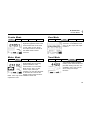
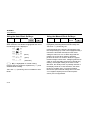
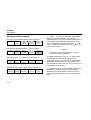
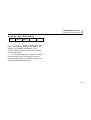
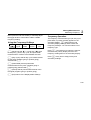
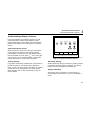
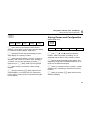
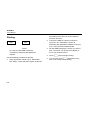
Begin an internal diagnostic routine by selecting SET
UP, wait two seconds, press d2. The display
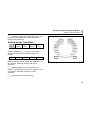
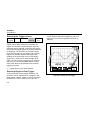
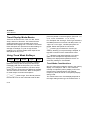
now presents the following information:
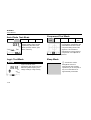
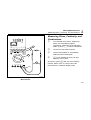
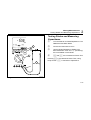
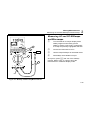
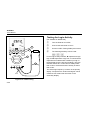
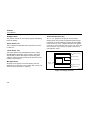
1. With no inputs connected, turn the GMM test tool
on by rotating the selector to VAC (v). Combo or
Meter display mode should appear, with a
random display in the mV range.
2. Rotate the selector to VDC (E) Observe a similar
primary display in the mV range.
3. Rotate the selector to Ohms (R). Observe a
display of “OL”.
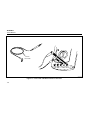
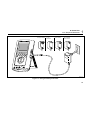
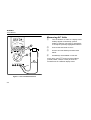
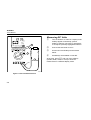
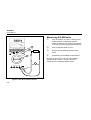
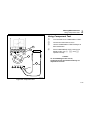
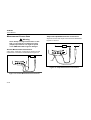
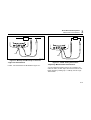
4. Connect the test leads to V and C.
5. Short the test lead tips and observe a display of
approximately 0.250 ohms.
1. A test pattern.
2. An error message (if a problem is encountered
during the test). The GMM test tool Model and
serial numbers.
3. The calibration status.
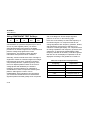
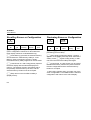
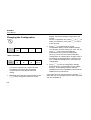
Generally, you cannot use the GMM test tool keys
during Self Test. (You can press 1 to exit the
diagnostic routine and return to the SET UP
Softkeys.)
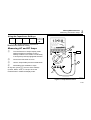
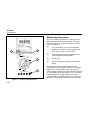
6. Press 2 (/), short the test leads again, and
listen for a beep.
For a complete performance test of GMM test tool
functions and specifications, refer to the 863/867B
Service Manual (PN 689312).
7-5