1
Using the Setup Analyzer
PRT_SA_2
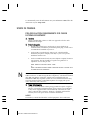
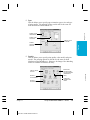
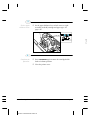
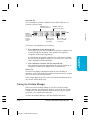
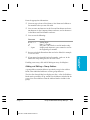
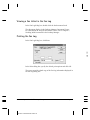
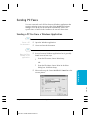
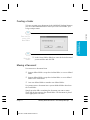
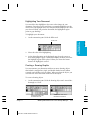
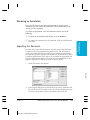
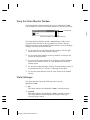
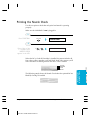
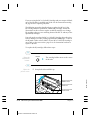
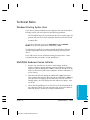
The Setup Analyzer allows the printer driver to evaluate your choice of
printing settings. On the Setting tab, you click on the green ✔ to enable
the Setup Analyzer. Click on the red symbol to disable it.
PRT_SA_1
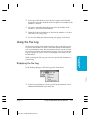
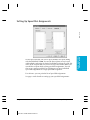
When you exit the printer driver and accept your printing settings by
clicking the OK button, the Setup Analyzer (if enabled) checks to see if
any of your settings are contrary to the recommended settings. If there
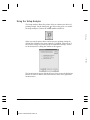
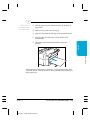
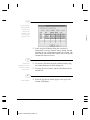
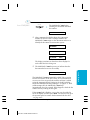
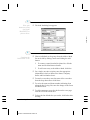
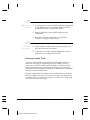
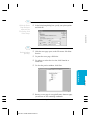
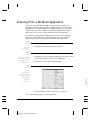
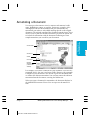
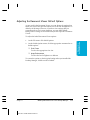
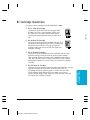
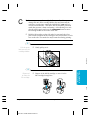
are inconsistencies, a dialog box similar to this appears:
The inconsistencies appear with check boxes. You can use the dialog box
buttons to select or deselect the inconsistencies and to fix or ignore the
inconsistencies.
2-12
Printing With the MultiPASS C3000
MPC-3000—USERS MANUAL/V000/07-97
Chapter 2