1
DVRJ4
User’s manual
4.6. USB backup
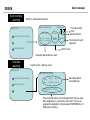
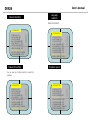
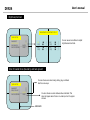
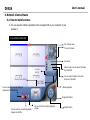
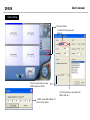
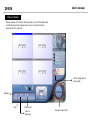
USB backup can be done only during playback. During playback, find the target images and
press BACKUP button. Then DVR saves that data to USB devices. In addition, if you press the
button very quickly, DVR will save that frame. If you press the button for 3 seconds, DVR will
save the images. You can press the button one more time to quit. During this process, USB
icon is shown on the screen.
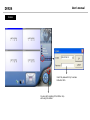
Means currently still frame is being
S
saved via USB port.
2006/1/1 12:12:23
PB CAMERA 1
PB CAMERA 3
A
Means currently motion images are
being saved via USB port.
PB CAMERA 2
PB CAMERA 4
※ During backup process, if you pull the thumb
drive out, system error may be raised.
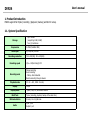
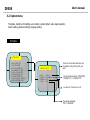
4.7. System information
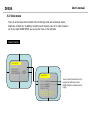
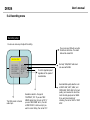
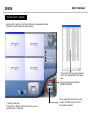
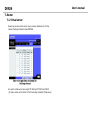
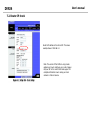
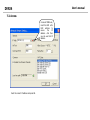
Every information of DVR system is shown on screen to understand it at a glance.
Hard drive size, model, recording and playback position, network setting, recording setting,
software version etc.