1
User's Manual
DSP-Quattro 4
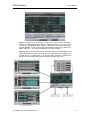
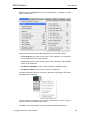
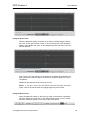
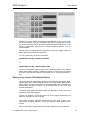
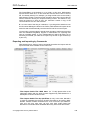
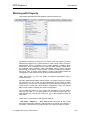
Network Panel Interface of Preferences Dialog
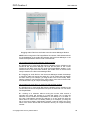
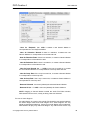
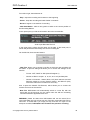
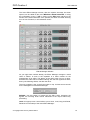
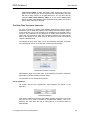
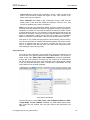
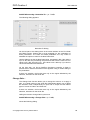
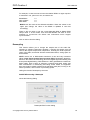
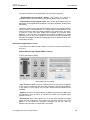
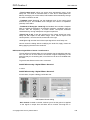
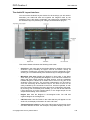
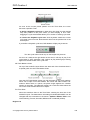
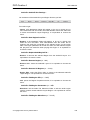
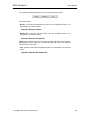
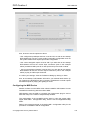
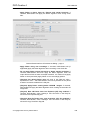
- MIDI for Sample Dump: it allows you to choose the default port that will be
used as default setting in the MIDI sample dump dialogs. You can also set if
as default the MIDI Sample Dump Standard will ask for MIDI handshaking or
not.
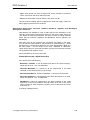
- Always Open files after reception: If this option is ON, DSP-Quattro will
open the audio files that have been received by MIDI.
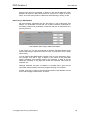
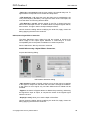
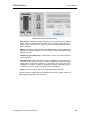
- Network I/O Loop offset: this series of options allows you to tell DSPQuattro to modify the Loop points during the transfer of a sample so to go
around the problem of possible discrepancies in the meaning of the loop
point among different samplers. With transfers using the standard protocols
MIDI, if the option Modify Loop Length by is turned On, DSP-Quattro will
apply an offset to the loop points as defined by the control on the left.
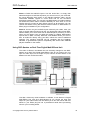
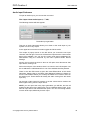
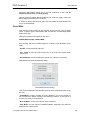
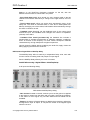
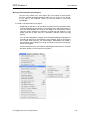
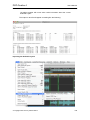
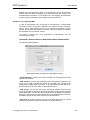
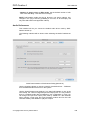
Plug-ins Preferences
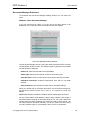
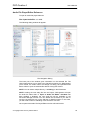
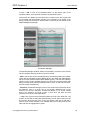
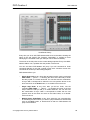
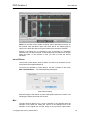
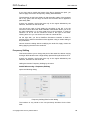
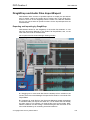
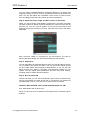
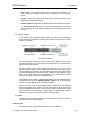
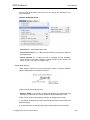
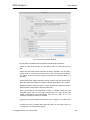
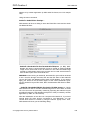
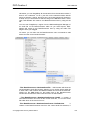
The following interface will be shown when selecting the PlugIns
Preferences tab:
© Copyright 2002-2012 by Stefano Daino
183