1
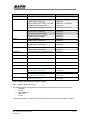
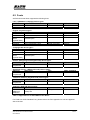
The ‘New Barcode Technology’ supports the following barcodes:
- Code39
- PDF417
- Code93
- 2 of 5 Interleaved
- Code128
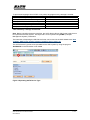
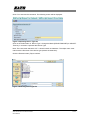
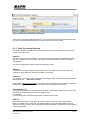
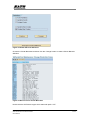
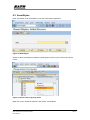
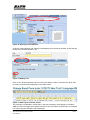
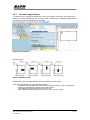
Click on the ‘New’ button to enter the following screen.
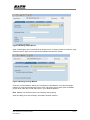
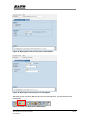
Figure 15 Entering Barcode information
For SATO barcode, it is recommended to define a Barcode name with prefix ‘YST’. For
example, to define a new Code39 barcode, the following Barcode name can be used:
YSTCd39
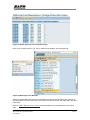
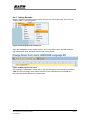
Enter some description on the textbox for ‘Short text’. Press the tick button to continue.
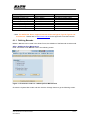
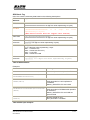
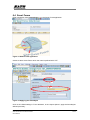
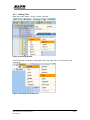
Figure 16 Selecting the Barcode Type
SAP Device Driver for SATO Printers
User Manual
18-50