1
6.1.4 Old Barcode Technology (Conventional System Barcode)
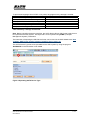
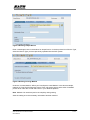
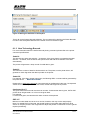
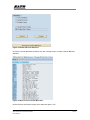
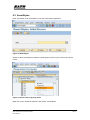
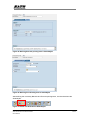
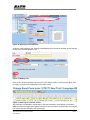
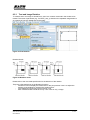
Click the ‘Old’ button (as in Figure 14 Choosing Barcode Technology) to define a Barcode with
Old Barcode Technology.
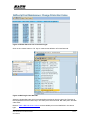
Figure 21 Defining Barcode with Old Barcode Technology
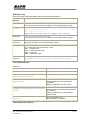
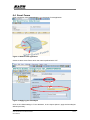
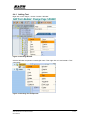
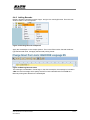
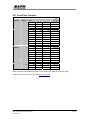
* In Old Barcode Technology, there is no way to define the Barcode Module Width. Thus, print
controls with such information have been defined. User is to select the print control which
carries required Barcode Module Width.
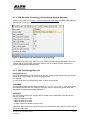
6.1.5 Old Technology Barcode
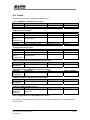
Interleaved 2 of 5
The given data of this barcode must be even number. If odd number data is given, SATO-SAP
printer driver will generate a ‘0’ in front of the given data.
For example,
If ‘12345’ was given, the barcode with value ‘012345’ will be printed.
CODABAR
The barcode includes start and stop characters: A,B,C,D,E,N,T,a,b,c,d,e,n,t. If the given data is
not started and ended with the start/stop characters, then the SATO-SAP printer driver will
embedded the data with Start/Stop character ‘A’.
POSTNET
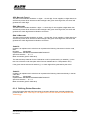
The SATO-SAP printer driver supports the US Postal Service POSTNET barcode with the
following formats:
- 5 digits (Postnet-32 format)
- 6 digits (Postnet-37 format)
- 9 digits (Postnet-52 format)
- 11 digits (Postnet-62 Delivery Point format)
If data with other formats than above was given, the SATO printer will generate a ‘beep’ sound
to indicate invalid data.
SAP Device Driver for SATO Printers
User Manual
22-50