1
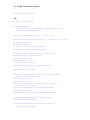
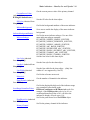
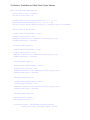
12. The Scroll Frame and Single Channel Scrolling Plots
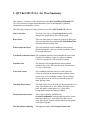
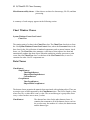
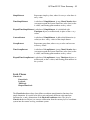
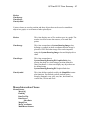
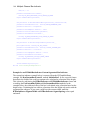
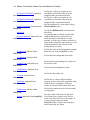
RTScrollFrame
RTVerticalScrollFrame
RTSimpleSingleValuePlot
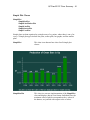
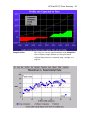
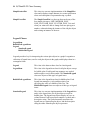
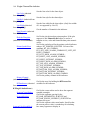
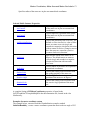
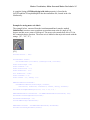
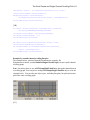
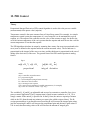
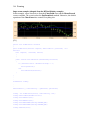
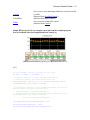
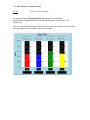
Scrolling graphs are built using three main classes. The first is the RTScrollFrame class
that manages the constant rescaling of the coordinate system of the scrolling graph. The
second and third are RTSimpleSingleValuePlot and RTGroupMultiValuePlot classes
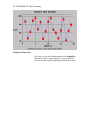
that encapsulate the actual line plot, bar plot, scatter plot or group plot that is plotted in
the scrolling graph. The RTScrollFrame class and the RTSimpleSingleValuePlot
classes are described in this chapter and the RTGroupMultiValuePlot class is described
in the next.
The original RTScrollFrame manges scrolling of numeric, time/date and elapsed time
coordinate systems in the horizontal direction. Starting with Revision 2.0, a new scroll
frame has been added, RTVerticalScrollFrame, which manages scrolling in the vertical
direction.
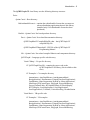
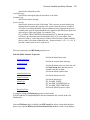
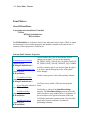
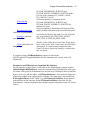
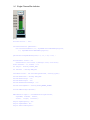
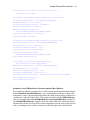
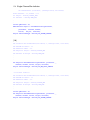
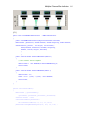
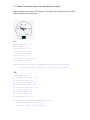
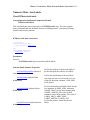
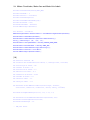
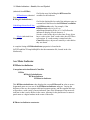
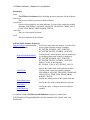
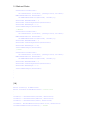
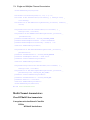
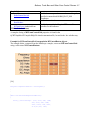
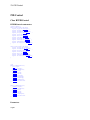
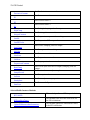
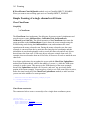
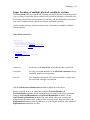
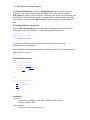
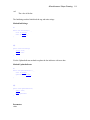
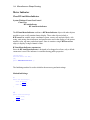
Scroll Frame
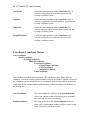
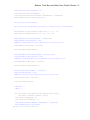
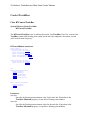
Class RTScrollFrame
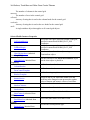
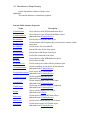
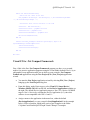
Com.quinncurtis.chart2dnetcf.ChartPlot
RTPlot
RTMultiValueIndicator
RTScrollFrame
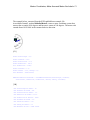
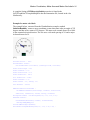
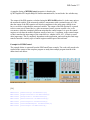
The scrolling algorithm used in this software is different that in earlier Quinn-Curtis realtime graphics products. Scrolling plots are no longer updated incrementally whenever the
underlying data is updated. Instead, the underlying RTProcessVar data objects are
updated as fast as you want. Scrolling graphs (all graphs for that matter) are only updated
with the ChartView.UpdateDraw() method is called. What makes scrolling graphs
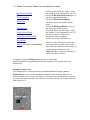
appear to scroll is the scroll frame (RTScrollFrame). When a scroll frame is updated as a
result of the ChartView.UpdateDraw() event, it analyzes the
RTSimpleSingleValuePlot and RTGroupMultiValuePlot objects that have been
attached to it and creates a coordinate system that matches the current and historical data
associated with the plot objects. The plot objects in the scroll frame are drawn into this
coordinate system. As data progresses forward in time the coordinate system is constantly