1
62
CHAPTER 7. P SYSTEM SIMULATION
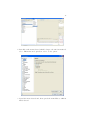
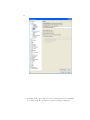
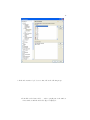
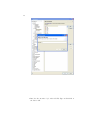
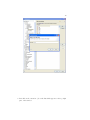
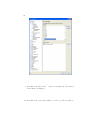
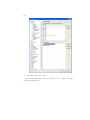
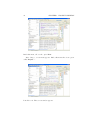
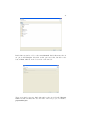
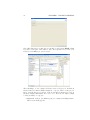
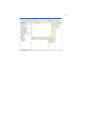
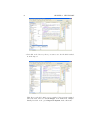
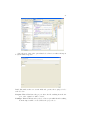
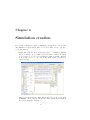
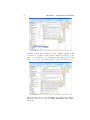
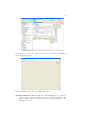
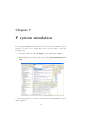
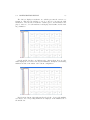
This window contains several fields, options and buttons:
File: menu This field contains the typical actions for handling files. Inside
this menu, there are different buttons:
Open file. . . : This button opens a file which contains a simulation and
loads it on the simulation console, so that the simulation can be
executed. The P system simulation files have the file extension .sim.
For properly loading a simulation it is necessary that the file which
encodes the P system to simulate (on XML format) is on the same
directory than the simulation file.
Save: This button saves the current simulation on the file specified by
the last route for the simulation file selected by the user.
Save As: This button saves the current simulation on the file specified
by the new file route selected by the user, along with the simulated
P system on XML format.
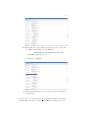
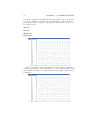
Current configuration: This field indicates the number of the current configuration of the simulation.
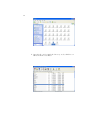
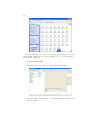
Show current configuration: This field displays a graphical representation
of the current configuration of the simulation.
Steps limit: In the case that this option is enabled, this field indicates the
maximum number of steps that the simulation can take before stopping
or reaching a halting configuration.
Time out limit (in milliseconds): In the case that this option is enabled,
this field indicates the maximum time (in milliseconds) that the simulation
can take before stopping or reaching a halting configuration.