1
8.
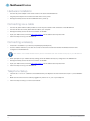
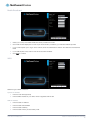
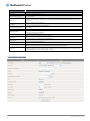
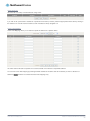
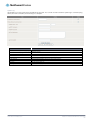
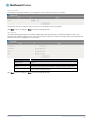
Confirm the setup information and click Finish if everything is correct. You can also click Back to go back and change any of
the previously configured settings.
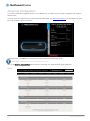
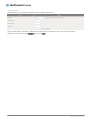
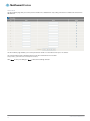
When you click Finish, the wizard applies your settings and the Advanced Status view is displayed. Your Dual Band WiFi Modem
Router is ready to use.
Basic View
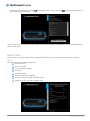
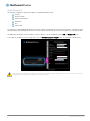
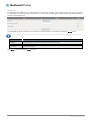
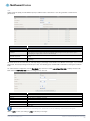
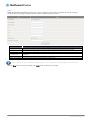
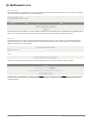
When you log in to the router, the Basic View is displayed. Basic View gives you the most important information at a glance.
Status
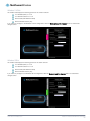
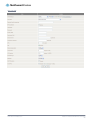
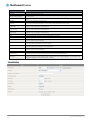
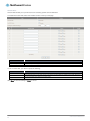
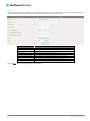
The Status tab displays the following information:
ADSL Line Status
ADSL Sync Speed
The current WAN IP Address
3G Status
3G Signal Strength
VOIP Service Status (If configured)
Number of clients connected on Wireless 2.4GHz
Number of clients connected on Wireless 5GHz
NetComm Wireless NB16WV-02 User Guide
19
www.netcommwireless.com