Firmware User’s Manual V5.10.02
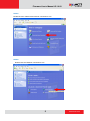
STEP5
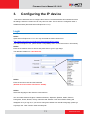
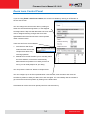
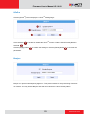
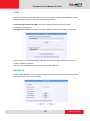
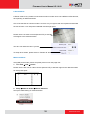
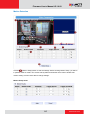
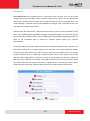
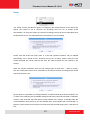
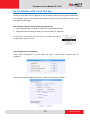
Click “Local Area Connections”, and then click “Change settings of this connection” in the
Network Task menu.
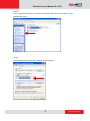
STEP6
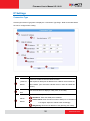
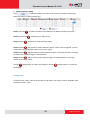
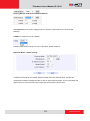
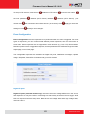
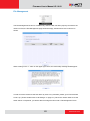
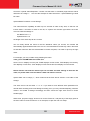
Click “Internet Protocol (TCP/IP)”, and then click [Properties]
9
www.acti.com