1
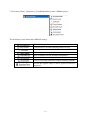
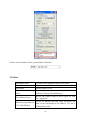
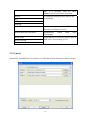
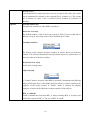
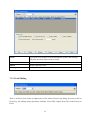
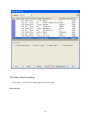
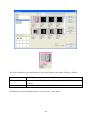
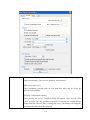
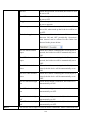
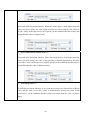
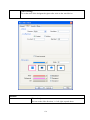
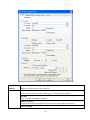
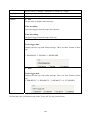
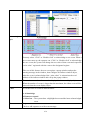
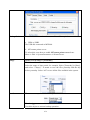
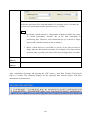
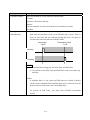
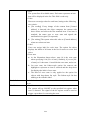
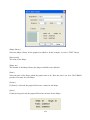
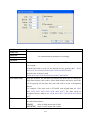
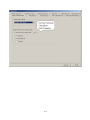
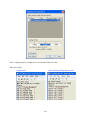
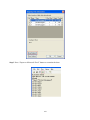
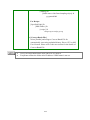
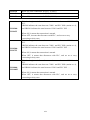
[Clear All]
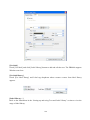
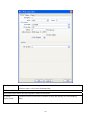
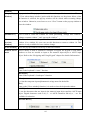
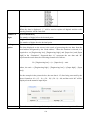
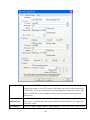
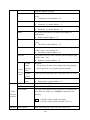
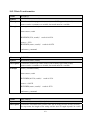
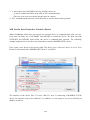
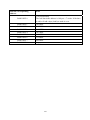
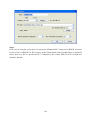
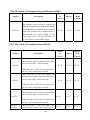
Delete all columns.
[Modify…]
Modify the description and data type for the selected column.
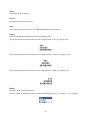
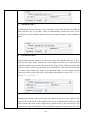
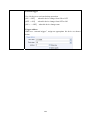
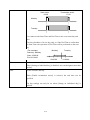
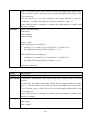
[Save Format]
Save the settings of the current data format template so that users can load it
every time when needed without recreating it repeatedly. The template data
will be stored in “data.fmt” file in the EasyBuilder8000 installation
directory.
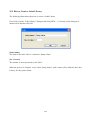
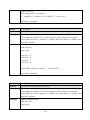
[Delete Format]
Delete an existed data format template.
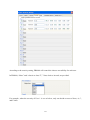
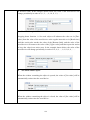
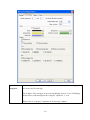
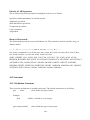
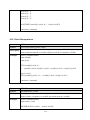
[Select your data
format]
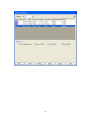
Select an existed data format template for examining the recipe or EMI
data.
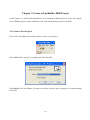
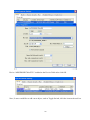
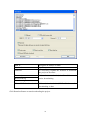
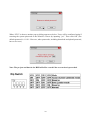
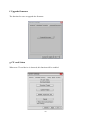
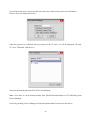
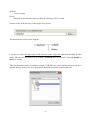
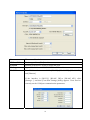
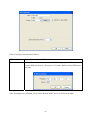
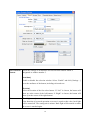
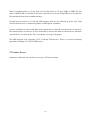
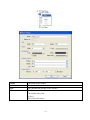
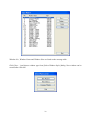
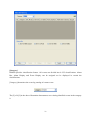
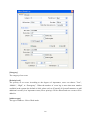
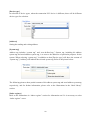
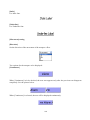
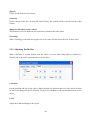
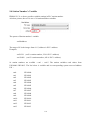
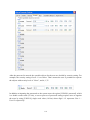
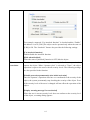
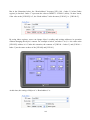
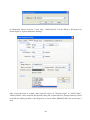
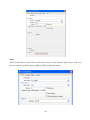
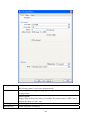
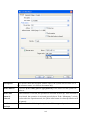
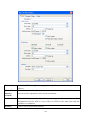
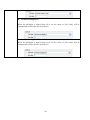
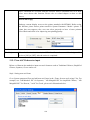
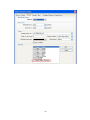
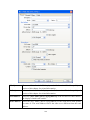
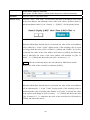
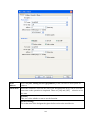
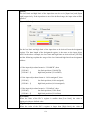
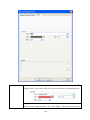
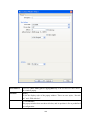
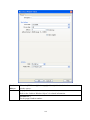
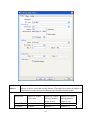
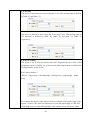
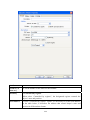
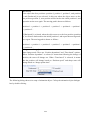
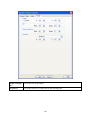
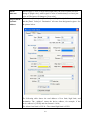
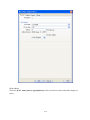
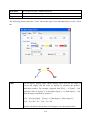
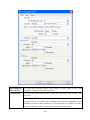
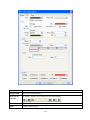
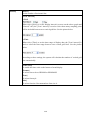
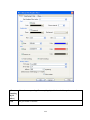
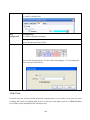
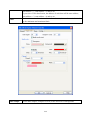
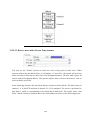
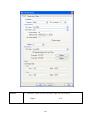
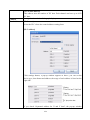
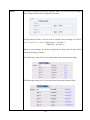
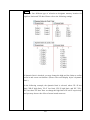
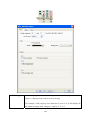
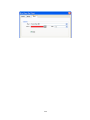
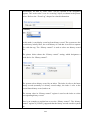
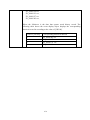
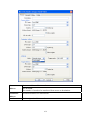
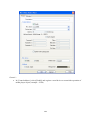
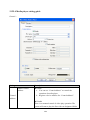
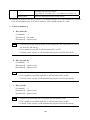
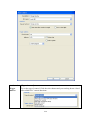
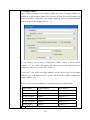
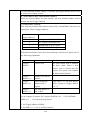
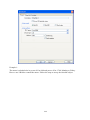
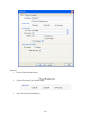
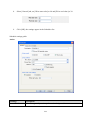
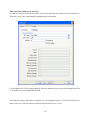
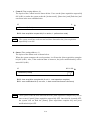
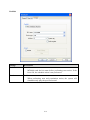
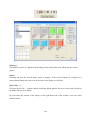
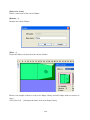
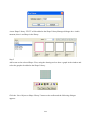
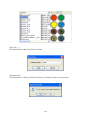
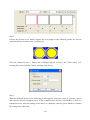
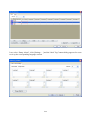
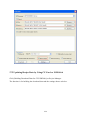
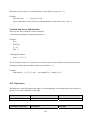
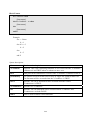
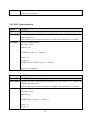
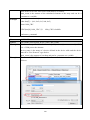
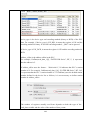
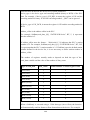
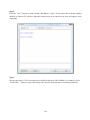
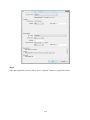
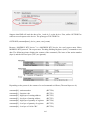
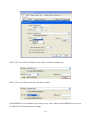
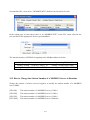
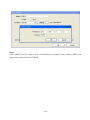
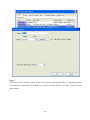
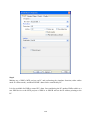
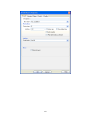
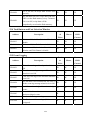
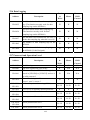
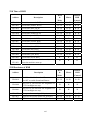
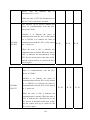
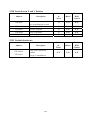
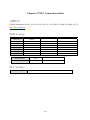
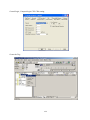
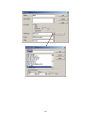
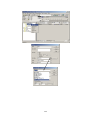
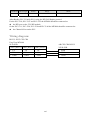
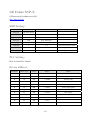
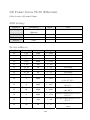
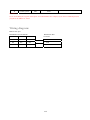
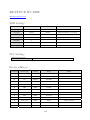
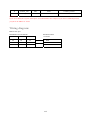
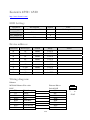
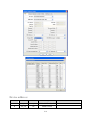
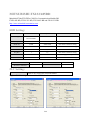
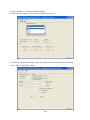
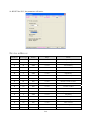
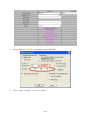
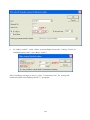
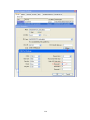
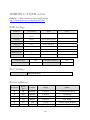
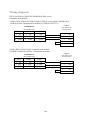
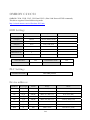
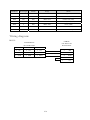
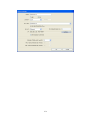
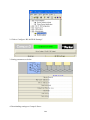
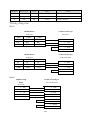
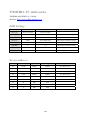
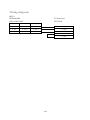
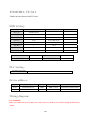
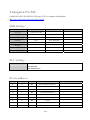
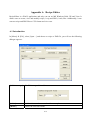
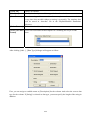
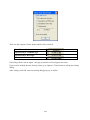
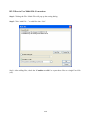
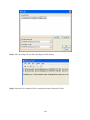
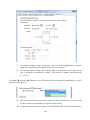
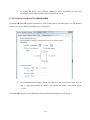
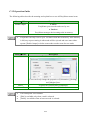
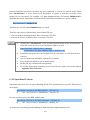
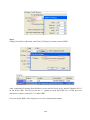
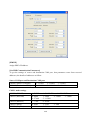
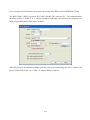
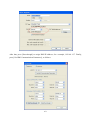
After clicking [Add…], [Data Type] dialogue will appear as follow:
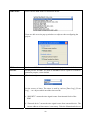
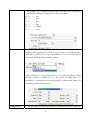
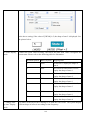
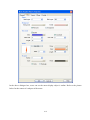
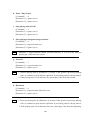
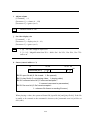
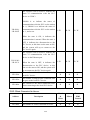
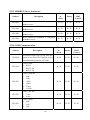
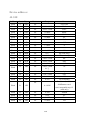
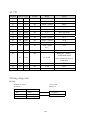
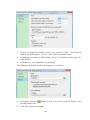
First, you can assign a readable name as [Description] for the column. And select the correct data
type for the column. If [String] is selected as data type, you must specify the length of the string in
addition.
620