1
Table of contents
Before Using the Product
Copyright4
Securing the Installation Space
Precautions for storage
5
5
Safety Precautions
5
Symbols5
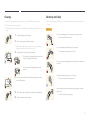
Cleaning6
Electricity and Safety
6
Installation7
Operation9
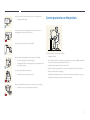
Correct posture to use the product
11
Preparations
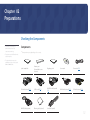
Checking the Components
12
Components12
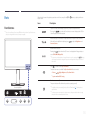
Parts13
Front Buttons
13
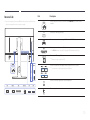
Reverse Side
15
Installation16
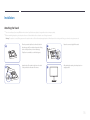
Attaching the Stand
16
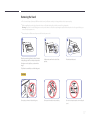
Removing the Stand
17
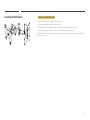
Installing the Wall Mount
18
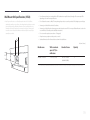
Wall Mount Kit Specifications (VESA)
19
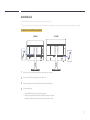
Adjusting the Product Tilt and Height
20
Rotating the Monitor Screen
20
Anti-theft Lock
21
Connecting and Using a Source
Device
Screen Setup
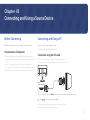
Before Connecting
Pre-connection Checkpoints
22
22
Connecting and Using a PC
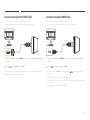
Connection using the DVI cable
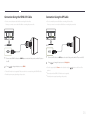
Connection Using the DVI-HDMI Cable
Connection Using the HDMI Cable
Connection Using the HDMI-DVI Cable
Connection Using the DP Cable
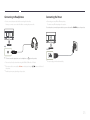
Connecting to Headphones
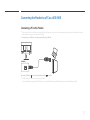
Connecting the Power
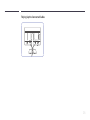
Tidying Up the Connected Cables
22
22
23
23
24
24
25
25
26
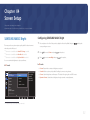
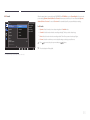
SAMSUNG MAGIC Bright
Configuring SAMSUNG MAGIC Bright
32
32
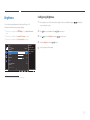
Brightness34
Configuring Brightness34
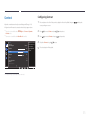
Contrast35
Configuring Contrast35
Sharpness36
Configuring Sharpness36
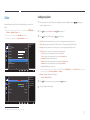
Color37
Configuring Color37
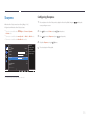
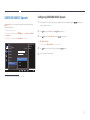
SAMSUNG MAGIC Upscale
Configuring SAMSUNG MAGIC Upscale
38
38
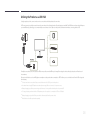
Connecting the Product to a PC
as a USB HUB
Connecting a PC to the Product
Utilizing the Product as a USB HUB
27
27
28
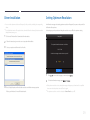
Driver Installation
29
Setting Optimum Resolution
29
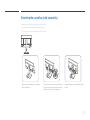
Attaching the sound bar (sold separately)
30
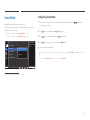
Game Mode41
Configuring Game Mode41
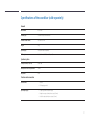
Specifications of the sound bar
(sold separately)
31
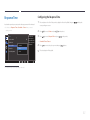
Response Time42
Configuring the Response Time42
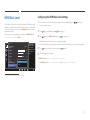
HDMI Black Level39
Configuring the HDMI Black Level Settings
39
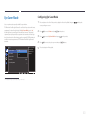
Eye Saver Mode40
Configuring Eye Saver Mode40
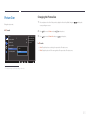
Picture Size43
Changing the Picture Size43
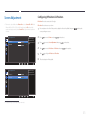
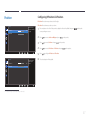
Screen Adjustment45
Configuring H-Position & V-Position45
2