1
Table of contents
Coordinating OSD
Information Menu and Others
Specifications
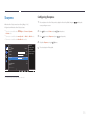
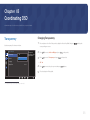
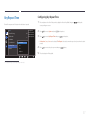
Transparency46
Changing Transparency46
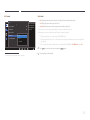
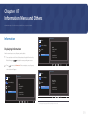
Information59
Displaying Information59
General68
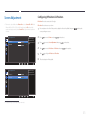
Position47
Configuring H-Position & V-Position47
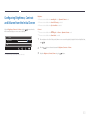
Configuring Brightness, Contrast and
Volume from the Initial Screen
60
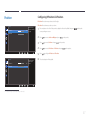
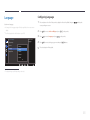
Language48
Configuring Language48
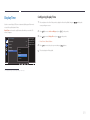
Display Time49
Configuring Display Time49
61
61
61
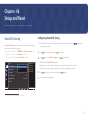
Setup and Reset
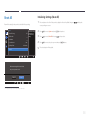
Smart ECO Saving50
Configuring Smart ECO Saving50
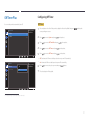
Off Timer Plus51
Configuring Off Timer51
Configuring Eco Timer53
PC/AV Mode55
Configuring PC/AV Mode55
Source Detection56
Configuring Source Detection56
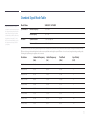
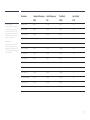
Standard Signal Mode Table
71
Appendix
Installing the Software
Easy Setting Box
Installing the Software
Removing the Software
PowerSaver70
Troubleshooting Guide
Requirements Before Contacting Samsung
Customer Service Centre
Testing the Product
Checking the Resolution and Frequency
Check the following.
62
62
62
63
Q & A
66
Responsibility for the Pay Service
(Cost to Customers)
73
Not a product defect
73
A Product damage caused by customer's fault 73
Others73
Correct Disposal
Correct Disposal of This Product
(Waste Electrical & Electronic Equipment)
74
Extended warranty
74
74
Terminology75
Key Repeat Time57
Configuring Key Repeat Time57
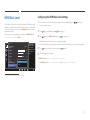
Reset All58
Initializing Settings (Reset All)58
3