1
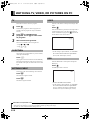
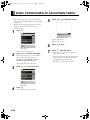
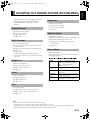
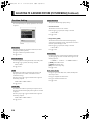
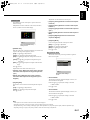
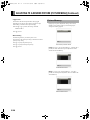
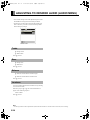
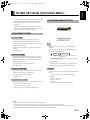
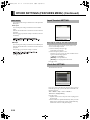
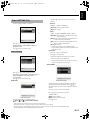
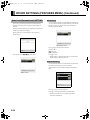
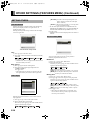
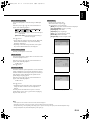
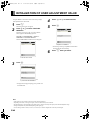
2005年12月28日 水曜日 午前9時16分 1 Press . The program you are watching and the registered programs are displayed. If the current program is not yet registered, "Add" is displayed. * The current channel is switched to the selected one. 3 Press . Press to exit the FAVORITE channel list. DELETING A FAVORITE CHANNEL A registered program can be deleted from the FAVORITE channel list. Press . Press to display the registered channel list. Press or to select the channel to be deleted, and press "Remove" is displayed. . Italiano 1 2 "Favorite Channel-Add" Screen . The current channel is registered in the FAVORITE channel list. * The current channel is not registered unless you press after the program selection by pressing or . 3 Press . Press to exit the FAVORITE channel list. WATCHING A FAVORITE CHANNEL A program registered in the FAVORITE channel list can be watched. Press "Favorite Channel-Remove" Screen 3 Press 4 Press . * The channel is deleted from the FAVORITE channel list. . Press to exit the FAVORITE channel list. . The registered FAVORITE list is displayed. 中文 1 Português 2 Press Deutsch A favorite program can be registered in the FAVORITE channel list. 2 Select a target one from the channels . registered by Español ADDING A FAVORITE CHANNEL English WATCHING A FAVORITE CHANNEL Français 19 ページ Póññêèé MHD02098-01_E.book 日本語 "Favorite Channel" Screen Note • If the operation is not executed for about 60 seconds, the menu disappears. E-19