1
Help.rtf
PageR Enterprise
Page 270 of 270
the record comparision to select records included on the report.
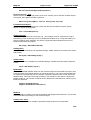
7) PageR LICENSE KEYS
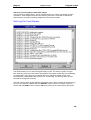
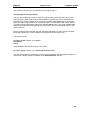
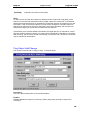
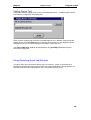
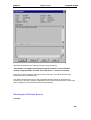
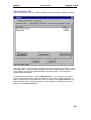
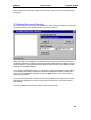
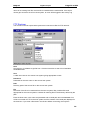
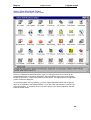
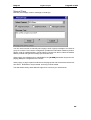
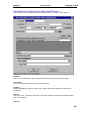
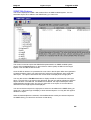
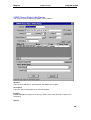
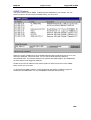
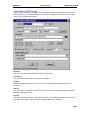
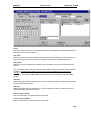
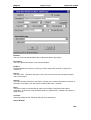
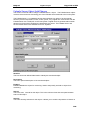
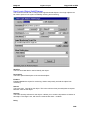
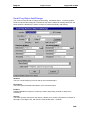
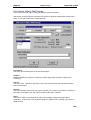
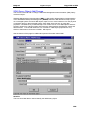
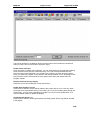
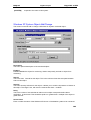
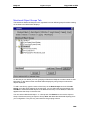
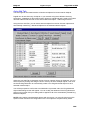
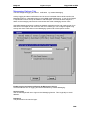
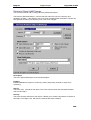
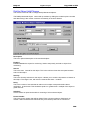
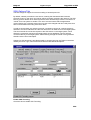
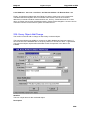
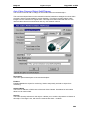
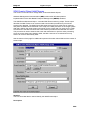
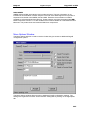
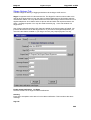
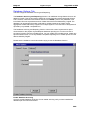
Run START/Programs/PageR Enterprise/PageR Set License
to display the System Number at the top of the screen. We need this to generate a new
license key. Please email the System Number with your license details (in Help/About) to
support at pager-enterprise.com.
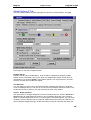
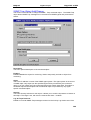
The new Product License Key which we will return to you is entered at the bottom of the Set
License screen. License Key Request.
PLEASE MAKE SURE THAT PageR IS NOT RUNNING AS A SERVICE
IN THE BACKGROUND WHEN YOU ENTER THE LICENSE KEY.
In an emergency a temporary license key may be used.
Temporary (30 day) license key = 52637
This allows unlimited Monitored Objects and all features enabled.
270