1
WWW.LECOM.COM.CN
1 Overview
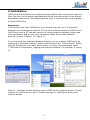
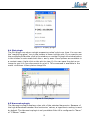
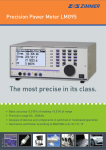
LMGControl allows you to control your LM power meter conveniently from your PC
and transfer measuring values for real-time viewing and recording. You can
configure the power meter remotely, save the current configuration on your PC and
load it to your LM later, edit the LM script, display the measuring values live in
different views and record and export them for later analysis. LMGControl can be
used with the LECOM power meters LM95, LM450 and LM500.
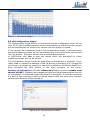
LMGControl consists of the main application which controls a collection of plugin
applications. The main application fetches the measuring values, stores them and
exports them. The plugins only view measuring values received by the main
application. Therefore you can close plugins while recording or open new ones to
view the same measuring values differently. This modular design enhances stability,
performance, extensibility:
- When a plugin is not responding it is suspended by the main application while
the rest of the plugins and the main application continue working.
- On modern multi-core processors the main application runs on one processor
core and the plugins can use the remaining ones to fully utilize your PC’s
capabilities.
- More plugins for viewing and analysis are developed to extend the abilities of
the software.
2 Requirements
LMGControl is available for the following operating systems:
- Windows 2000
- Windows XP
- Windows Vista
- for Linux (Debian 4.0) please contact LECOM
For the reliable transfer of measuring values we recommend a CPU with 2GHz or
more and at least 512MB RAM (for Windows 2000/XP) or 1GB RAM (for Windows
Vista). LMGControl requires approximately 20 MB of free hard disk space. For the
recordings we highly recommend to use the NTFS file system.
The interface between LM and PC can be any of the following:
- RS232 serial interface
- IEEE488 (GPIB) interface
- USB to RS232 adapter (cf. 11.1 on page 13)
- USB interface of the LM500
- Ethernet-adapter Z318
2