1
MMSC
ANPM
ANAR
INHGA
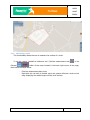
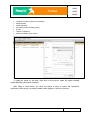
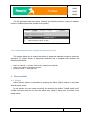
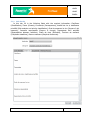
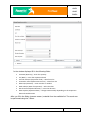
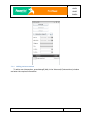
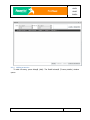
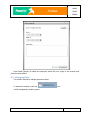
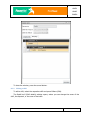
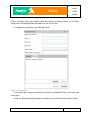
The field Localitate (Locality) will be automatically filled in with the name of the locality
where the user intended to create the objective.
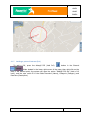
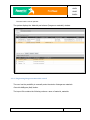
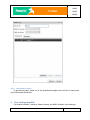
Depending on the category of objectives selected, the objective will be plotted on the
map with the pictogram of the respective category, configured in the application
configuration area.
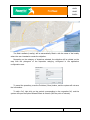
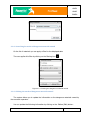
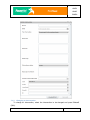
To cancel the operation, press the Închidere (Close) button, and the system will not save
the information.
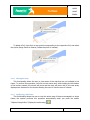
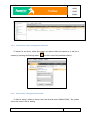
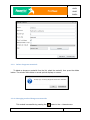
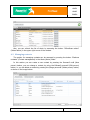
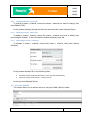
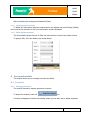
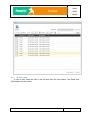
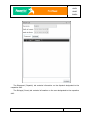
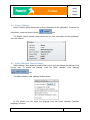
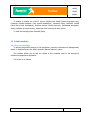
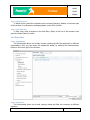
To edit a PoI, right click on the symbol corresponding to the respective PoI, and the
system will open the option Editează Punct de Interes (Edit the point of interest).
12/80